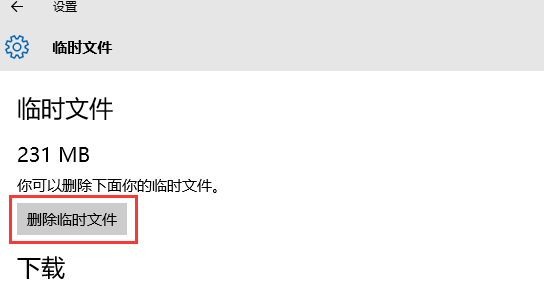
10074 版 Store 啟動即關閉,管理員命令列執行 wsreset 重置快取即可修復。
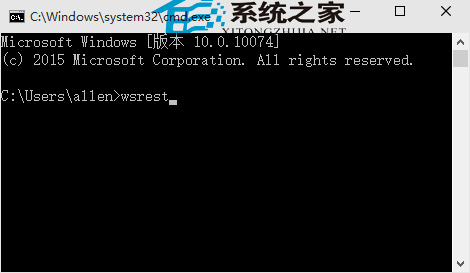
wsreset → Enter。同指令適用於 Store 無法開啟、開啟即崩潰等多種故障,建議優先嘗試。
Win10 版 Office 無法開啟修復方案:重置 ClipSVC 授權服務快取 (license.bat 完整版)
Windows 10 正式版 Skype 整合訊息應用曝光:跨裝置通訊新體驗
Win10 更新出現錯誤 0x80240016 (80240016)?重置 Wuauserv 服務與使用者權杖機制深度解析
Win10 預覽版啟用開始選單「跳躍清單」:登錄新增 EnableXamlJumpView=1 讓右鍵顯示最近檔案
Win10 可能限制網速?關閉 TCP 窗口自動調整提升速度實測