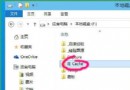
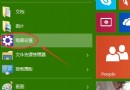
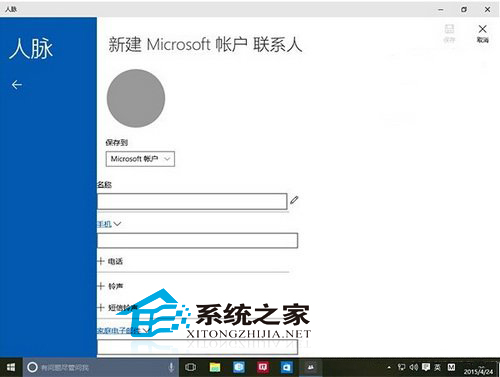
登入 Microsoft 帳號後開啟「人脈」即閃退,因聯繫人同步 Bug。臨時方案:清空 contacts.txt 內容保留首尾行。
C:\Users\<你的帳號>\AppData\Local\Packages\Microsoft.People_8wekyb3d8bbwe\LocalState。contacts.txt。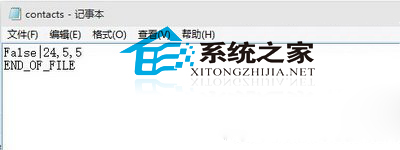
注意:每次開啟前需重複操作,非根治,需等微軟推送更新修復同步邏輯。
Windows 10 Cortana (小娜) 無聲音/不說話修復:清理啟動項目與服務 (MSCONFIG)
Windows 10 遊戲缺少元件修復:Gamepp 遊戲運行庫修復助手一鍵掃描修復 (重複內容整合版)
Windows 10 本機帳戶與 Microsoft 線上帳戶互相切換完整教學
Win10 版 Office 無法開啟修復方案:重置 ClipSVC 授權服務快取 (license.bat 完整版)
VHD 虛擬硬碟安裝 Win10 完整圖解:免分區、效能佳、移除方便
Win10 升級失敗錯誤碼 0x80070003 解決方案:清除 SoftwareDistribution 快取