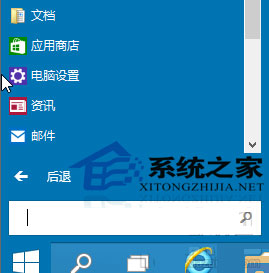
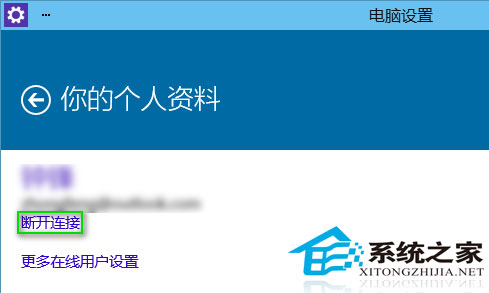
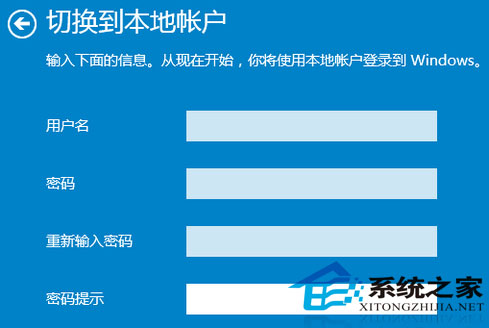
切換至本機帳戶適合習慣本地管理的用戶,亦能更好保護資訊安全。
Win10 TH2 升級中斷/斷電後無法繼續?清理快取重新更新
Windows 10 設定自動登入跳過密碼輸入
Win10 皮皮播放器閃退?解除安裝 KB3132372 更新修復 Flash 相容性
Win10 透過命令提示字元啟用 F8 進入安全模式教學
Win10 無法進入睡眠/待機?三大常見原因與針對性解決方案
Windows 10 應用程式無回應/當機處理:工作管理員強制結束任務教學
Windows 10 激活指南:正版升級、KMS 與零售金鑰詳解
Windows 10 修改 Edge 瀏覽器啟動背景色:登錄表教學(備用版本)