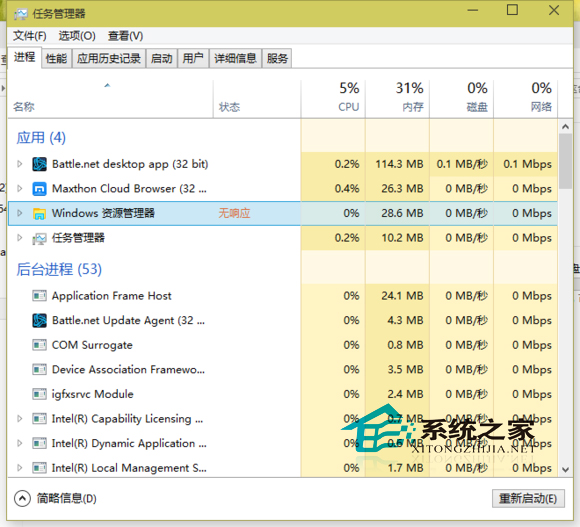
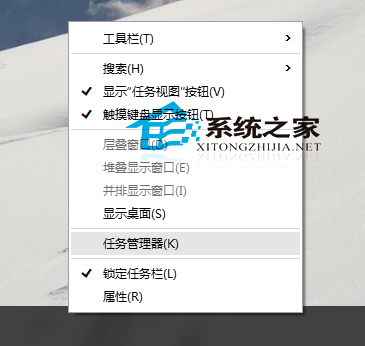
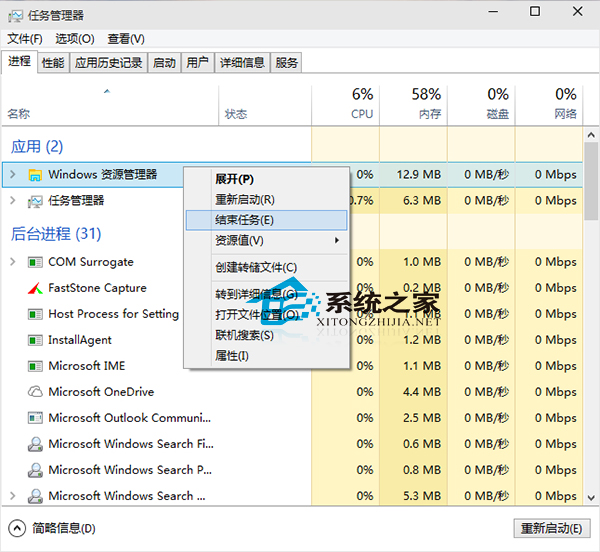
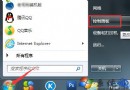
應用程式停止回應時,透過工作管理員強制結束:
若工作管理員視窗不完整,點選左下「詳細資料」展開完整檢視。頻繁發生建議檢查驅動程式、系統檔案完整性 (sfc /scannow) 或重新安裝問題應用程式。
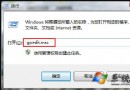
sfc /scannow
Windows 10 查看本地 DNS 伺服器 IP 位址:通用指令法(支援所有 Windows 版本)
Windows 10 Build 14367 桌面版與行動版新功能彙整
Windows 10 關閉小娜掃描郵件追蹤資訊:設定→Cortana 關閉郵件偵測開關
Win10 字體發虛、模糊不清怎麼辦?註冊表與相容性雙管齊下完美解決
Win10 關閉 Windows 安全性警示彈窗:防火牆通知設定「取消勾選阻止應用程式時通知我」
Windows 10 新增/設定英文輸入法:語言設定三步走
Win10 螢幕變直向顯示?一鍵在設定將方向改回橫向
Win10 Build 10061 升級後無法激活?GVLK 密鑰手動激活專業版/企業版