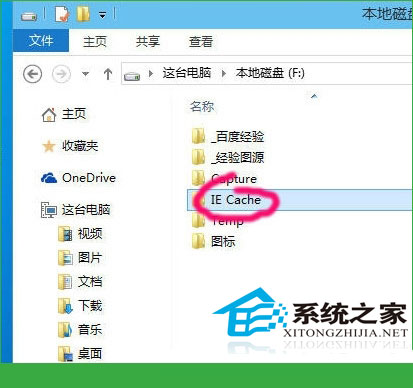
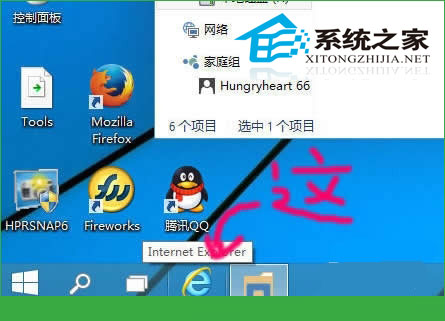
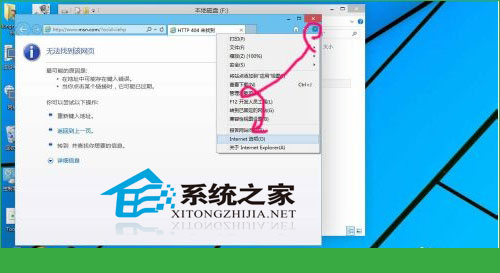
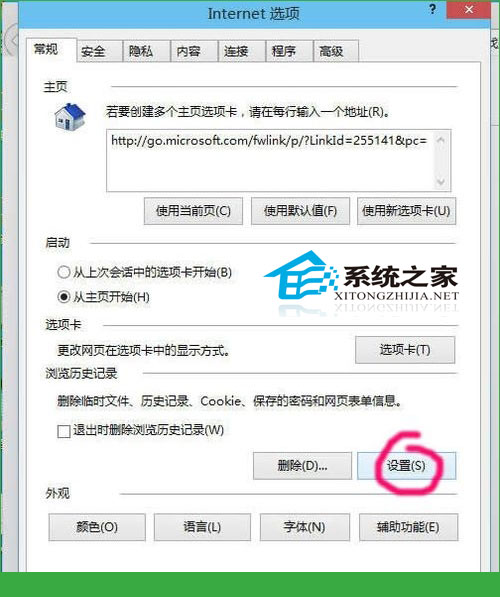
D:\IE_Cache
快取移出系統碟可減輕 C 槽壓力、方便定期清理、提升整體回應速度。
Win10點擊開始菜單無反應?教你快速修復無需重開機
Win10 小娜預設 Bing 搜尋怎麼改 Google/百度?Chrome 擴充功能攔截重導向實作
Win10 Spartan 瀏覽器無法更改下載位置?教你快速找到檔案儲存路徑
Win10 系統時間無法修改?群組原則授權「變更系統時間」權限
Win10 無法辨識硬碟完整排查:5 大故障現象與對應解決方案
Win10 安裝開發工具完整流程:加入 Insider、升級最新預覽版、安裝 Visual Studio 2015 CTP6 + Windows 10 SDK
Win10 切換使用者:開始選單→使用者名稱→選目標帳號
Win10 正式版無法取得預覽版 (Insider)?降低 UAC 安全等級即可