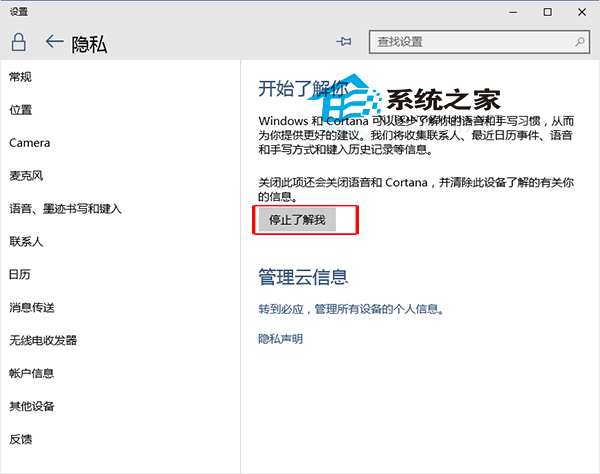
Win10 10074 預覽版起新增關閉 Cortana 開關,操作極簡單。
注意:10074 以前版本不支援此開關。小編認為 Cortana「提醒」功能極實用,建議體驗後再決定是否關閉。
刪除 Win10 檔案總管導覽窗格中 Creative Cloud 資料夾教學
Win10 升級圖文完整教學:從開啟自動更新到強制下載安裝,正版用戶零門檻升級指南
Windows 10 防火牆開啟/關閉教學:控制台與設定應用程式雙法
Win10 如何叫出舊版「通知區域圖示」設定介面?一行指令直達經典控制台
Windows 10 筆電藍牙傳檔:fsquirt 快速開啟藍牙傳輸精靈互傳手機檔案
Windows 10 程式相容性疑難排解:一鍵修復舊軟體無法運行問題
Win10 更換桌面圖示教學:系統圖示與捷徑圖示自訂圖文步驟
Win10 玩遊戲怎麼樣?DirectX 12、虛擬桌面、分螢幕提升體驗