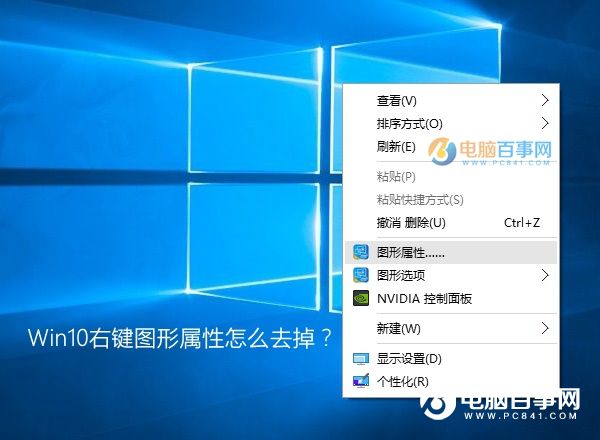
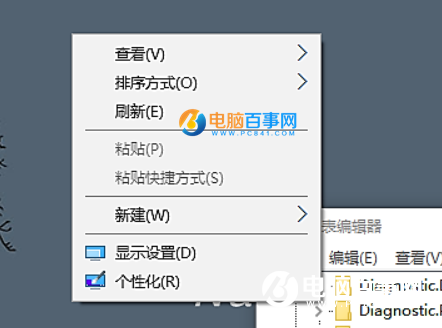
Intel 核顯電腦桌面右鍵常見「圖形屬性/選項」兩選項極少用且礙眼,登錄刪除即可隱藏:
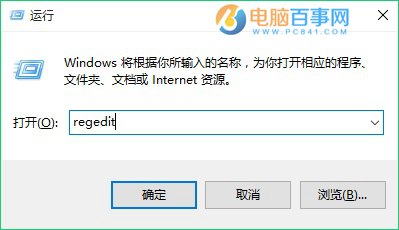
regedit
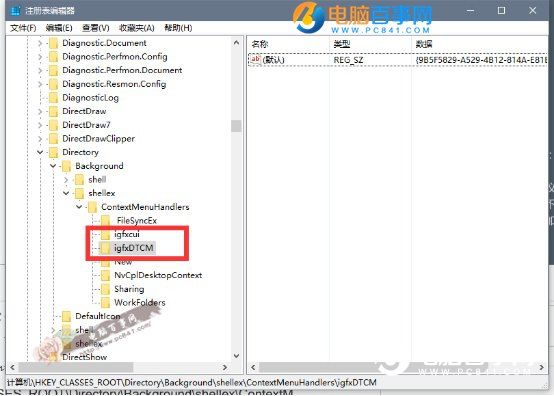
HKEY_CLASSES_ROOT\Directory\Background\shellex\ContextMenuHandlers
igfxDTCM
Win7/8 同樣適用,右鍵選單瞬間清爽。
Win10 啟用內建 Administrator 管理員帳號:電腦管理→本地用戶和群組
Windows 10 卸載揚聲器/音訊裝置教學:裝置管理員解除安裝重新偵測修復硬體連接錯誤
Windows 10 檔案總管預設開啟「此電腦」而非「快速存取」:資料夾選項一鍵切換
微軟官方 Windows 10 升級工具 MediaCreationTool 使用教學:免費升級與 ISO 下載
Windows 10 家用版/專業版官方定價出爐:最低 737 元人民幣起,免費升級期限一年
Win10 10576 閒置彈出 disksnapshot.exe 解決:工作排程器停用 Diagnostics 任務
Win10 應用程式商店打不開?官方修復工具一鍵重置快取
Win10 新裝/重灌後必做 7 項優化:更順手、更省資源