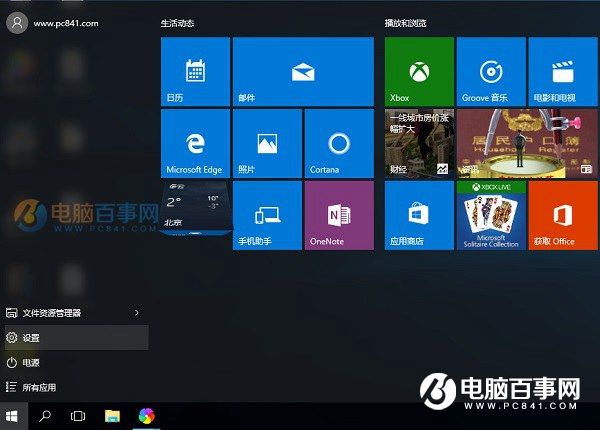
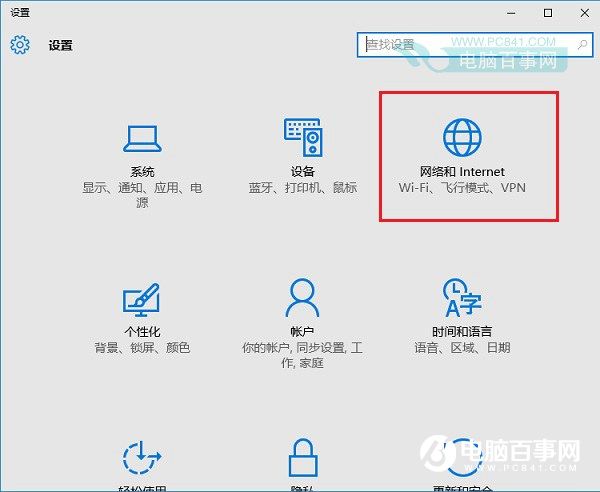
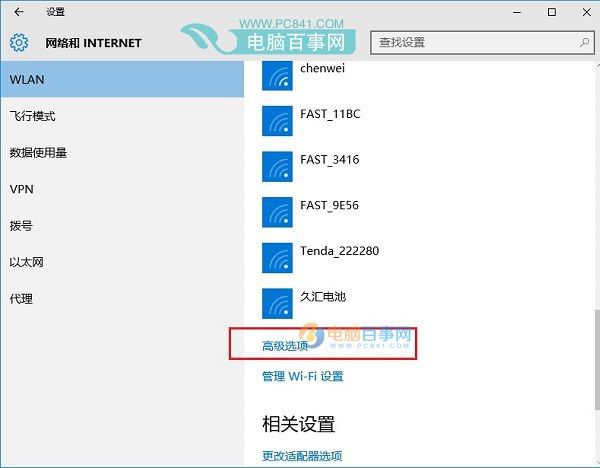
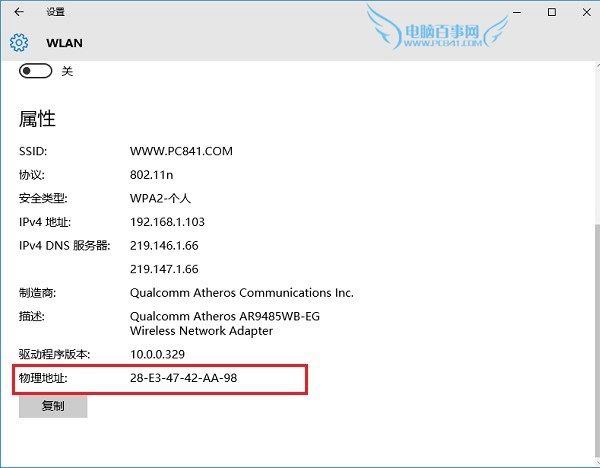
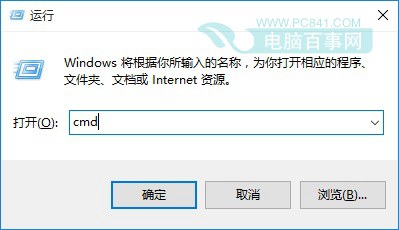
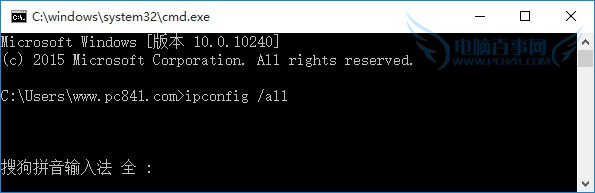
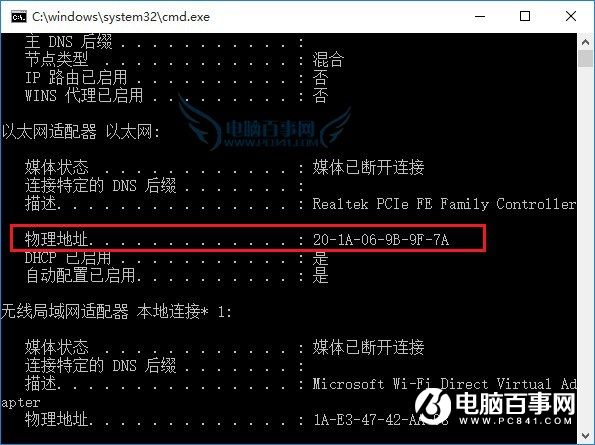
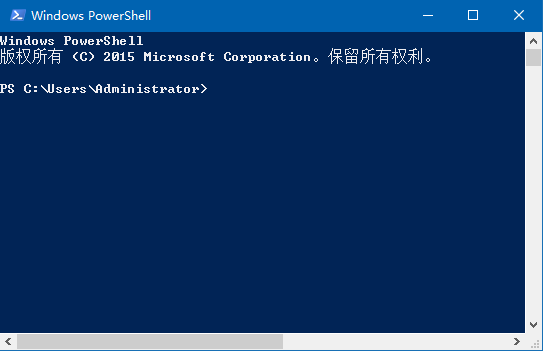
MAC 地址 (物理地址) 用於網路裝置識別、路由器綁定提升安全。Win10 兩種查看法:
cmd
ipconfig /all
MAC 地址唯一對應網卡,亦可透過登錄/第三方工具修改 (偽裝),但非必要不建議。
Windows 10 開機直接進入桌面/開始畫面設定教學
Win10 「此電腦」搜尋框無回應?三招快速修復索引問題
Windows 10 防止關機時自動更新:官方工具 wushowhide.diagcab 隱藏特定更新
Win10「旁加載應用」模式詳解:開發者免應用商店測試第三方 App
Win10 Edge 瀏覽器新增網頁至閱讀清單操作指南
Windows 10 呼叫 Charms 超級按鈕的方法:觸控螢幕與快捷鍵
Win10 變更預設瀏覽器:從 Edge 改為 Chrome/Firefox 只需 4 步驟
Win10 Build 10041 開始畫面透明問題解決法:升級 Build 10049