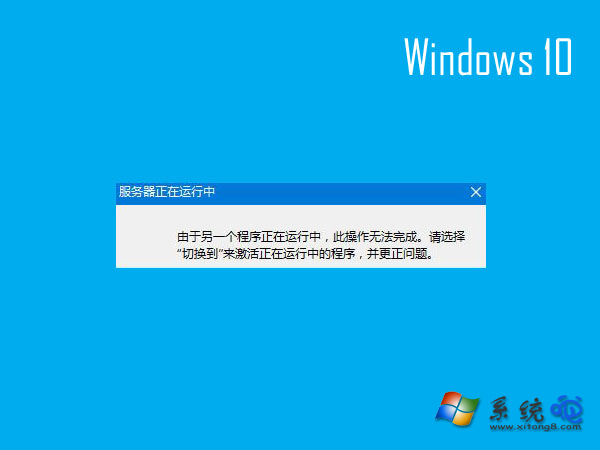
開啟 IE 瀏覽器彈出「伺服器正在執行中」訊息無法上網,主因為「背景智慧型傳輸服務」(BITS)異常。停用該服務即可解決,但不建議設為「停用」啟動類型,以免影響 Windows Update。
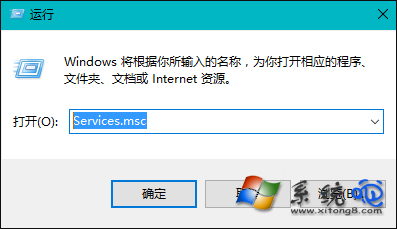
services.msc
IE 提示伺服器正在執行中
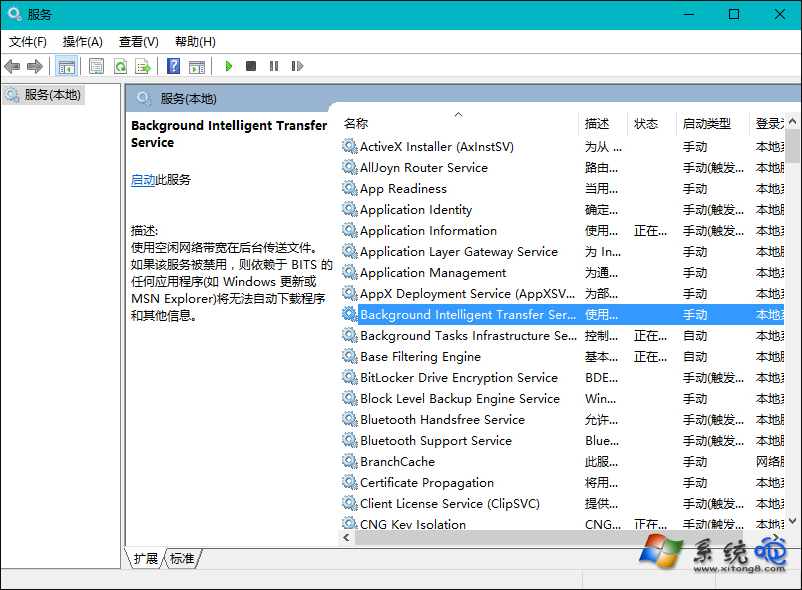
服務管理員
Background Intelligent Transfer Service
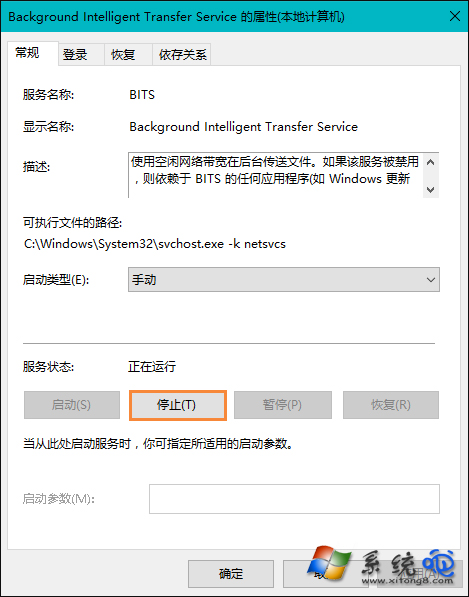
停止服務
此問題在 Win7/8.1 也會出現,同樣適用此解法。BITS 為 Windows Update 相依服務,僅需暫時停止,勿永久停用。
Win10 防火牆關閉通知一直彈出怎麼辦?兩種方法徹底關閉防火牆警告與安全中心服務
關閉 Win10 右下角彈出廣告的有效方法
微軟官方 Windows 10 升級工具 MediaCreationTool 使用教學:免費升級與 ISO 下載
Win10 開啟磁碟管理的三種快速方法(含圖文教學)
Windows 10 如何禁止收集個人資訊?關閉診斷資料與 Cortana 一步到位
Win10 新增資料夾/重新命名卡死怎麼辦?清除檔案總管歷程記錄即時解決
Windows 10 如何重新啟動/關機?兩種方法圖文教學
Win10 開啟傳統「通知區域圖示」設定介面 (Shell 指令/建立捷徑)