Windows XP Windows 7 Windows 2003 Windows Vista Windows 綜合教學 Linux 系統教學
Windows 10 Windows 8 Windows 2008 Windows NT Windows Server 電腦軟體教學

Win10 桌面背景無法顯示、壁紙載入失敗?修改登錄 Shell 值修復

編輯:Windows 10 系統介紹

Win10 使用一段時間後,桌面背景變黑或壁紙無法載入,常因登錄 Shell 值被更改。將其修正為 explorer.exe 即可恢復正常。

修復步驟

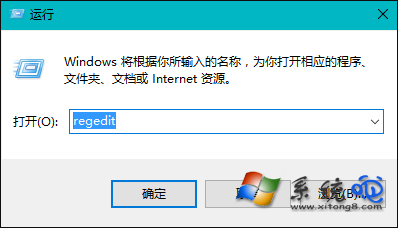
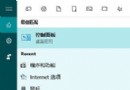
  1. 按 Win+R 輸入 regedit 開啟登錄編輯器。
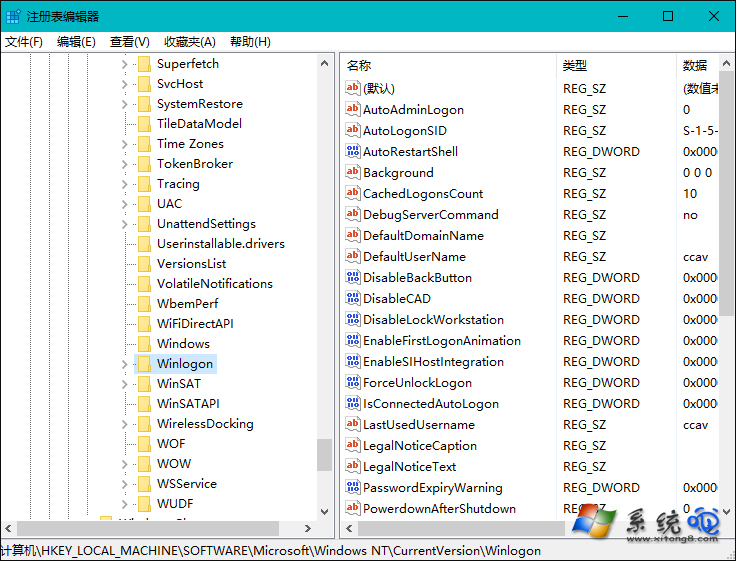
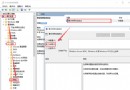
  2. 展開路徑:HKEY_LOCAL_MACHINE\SOFTWARE\Microsoft\Windows NT\CurrentVersion\Winlogon。
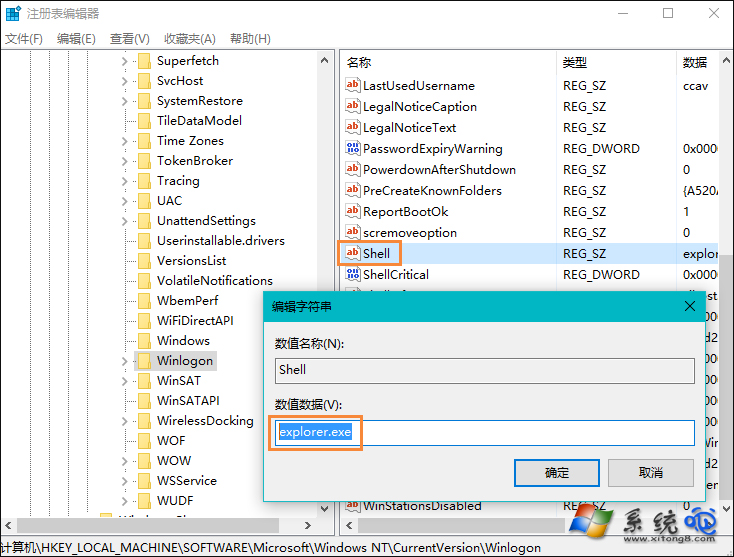
  3. 右側找到 Shell,雙擊將數值資料改為 explorer.exe,確定。
  4. 重新開機,桌面背景即恢復顯示。

執行 regedit

Winlogon 路徑

修改 Shell 值為 explorer.exe

提醒:修改登錄具風險,操作前建議備份登錄或建立系統還原點。

Copyright © Windows教程網 All Rights Reserved