便利貼 (Sticky Notes) 預設不隨系統啟動,將捷徑放入啟動資料夾即可開機自動顯示筆記。
shell:startup → 開啟目前使用者啟動資料夾。C:\ProgramData\Microsoft\Windows\Start Menu\Programs\Accessories)。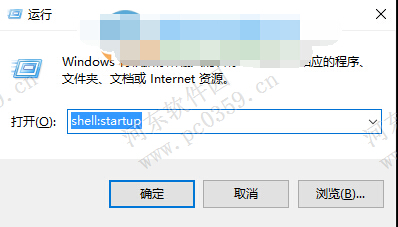
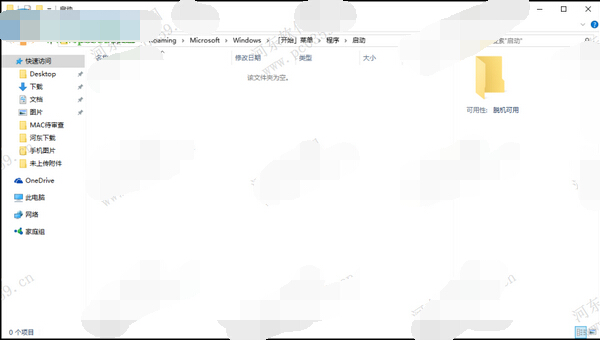
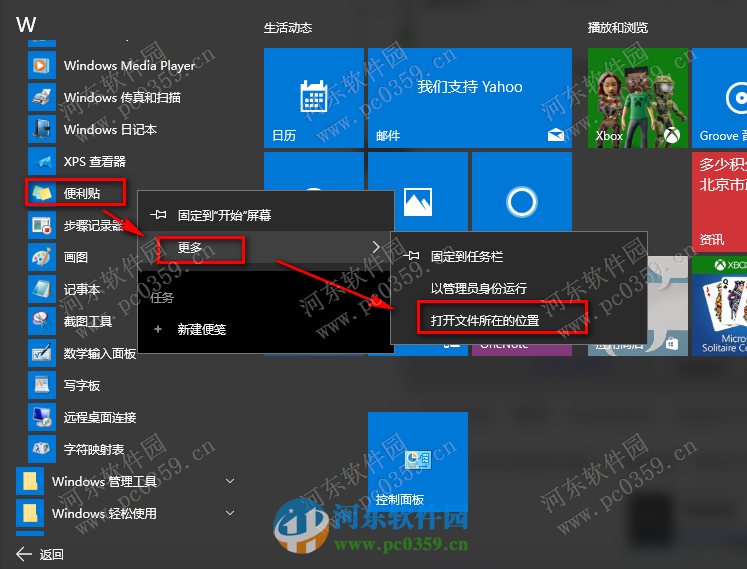
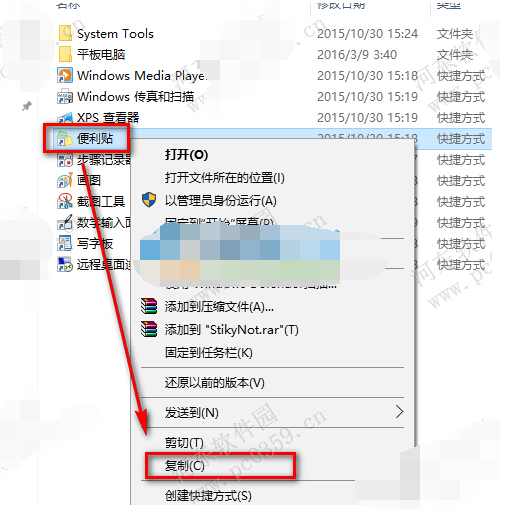
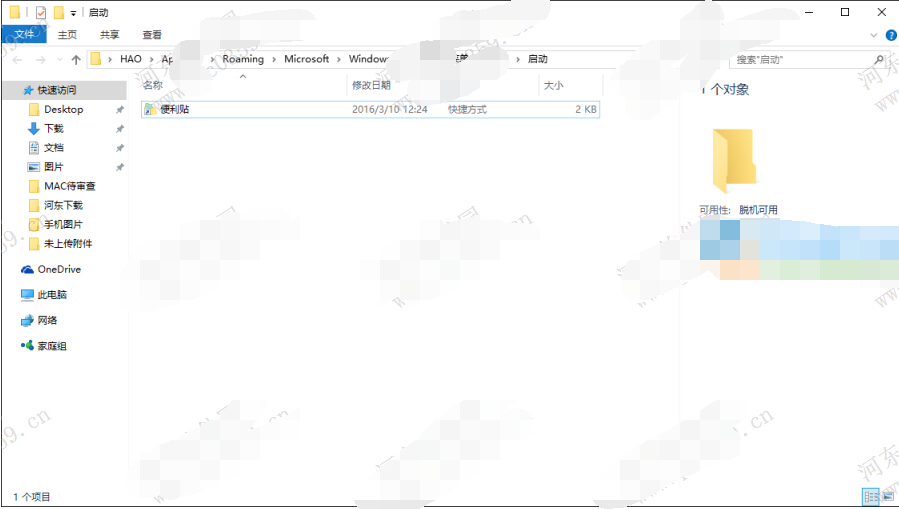
重開機後便利貼將自動開啟並顯示上次筆記內容 (需登入 Microsoft 帳戶同步)。
Win10 如何移除右鍵選單「Windows Defender 掃描」項目?刪除登錄 EPP 金鑰淨化右鍵選單
Win10 桌面背景變黑無法更換:啟用「顯示 Windows 背景」
Win10 內建管理員帳號無法開啟應用程式?修改登錄表 FilterAdministratorToken 啟用 UAC 支援
Win10 應用程式錯誤 0xc000007b 解決:安裝 DirectX 9.0c 與 VC++ 執行階段庫
Win10 螢幕變紅?三大解法:更新顯卡驅動、重裝監視器驅動、色彩校準
Windows 10 升級後 360 瀏覽器無法上網?完整排查與修復指南