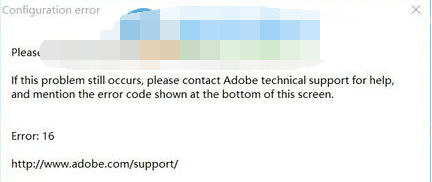
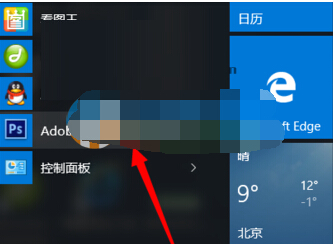
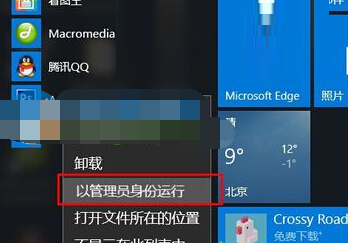
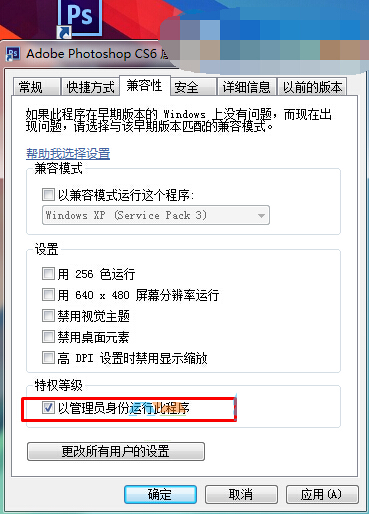
PS CS6 在 Win 10 啟動彈出 Configuration Error,主因權限不足導致無法寫入設定檔。以系統管理員身分執行即可解決。
此為 UAC 權限機制導致,非程式相容性問題,設定管理員權限後即可正常使用所有功能。
Win10 快速開啟登錄編輯器:Win+R 輸入 regedit
Win 10 執行 LOL 當機怎麼辦?官方崩潰補丁替換 Game 目錄兩檔案修復
Win10 將指定資料夾釘選到工作列的替代方案
Win10 開機錯誤 0xc0000428 解決:進入進階啟動停用驅動程式強制簽章
Win10 玩遊戲卡頓怎麼辦?關閉 Xbox Game DVR 即時改善效能
Windows 10 更新顯示卡驅動程式操作方法
Win10 開始選單搜尋卡頓解決:關閉 Bing 線上搜尋加速本地索引
Edge 匯入 IE 我的最愛完整教學:正常匯入 + 失敗救援方案