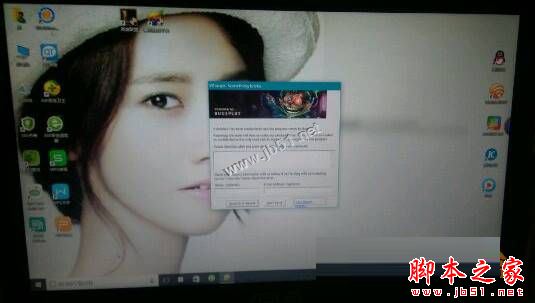
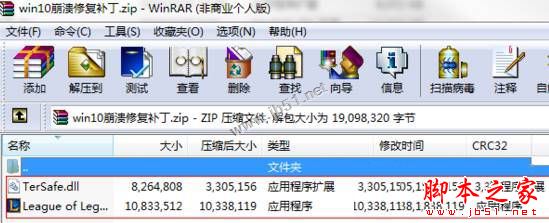
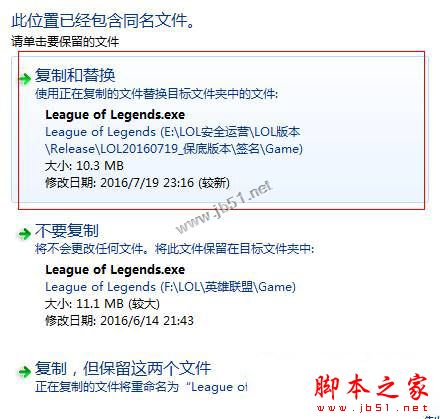
Win 10 玩《英雄聯盟》當機,官方補丁修復步驟:
League of Legends.exe
TerSafe.dll
英雄聯盟/Game/
此為官方針對 Win 10 相容性釋出的修補程式,替換兩檔案即可生效。
Win10 10074 高 DPI 縮放設定:透過登錄讓高解析度螢幕字體更清晰
Windows 10 新增環境變數教學:控制台系統進階設定建立使用者/系統變數
Win 10 開始功能表新增控制台等系統捷徑教學
Win 10 如何解除安裝「電影與電視」App?AppsManager 工具一鍵移除
Win10 免修改註冊表開啟 SATA AHCI 模式,安全模式切換法完整教學
Win10 應用商店閃退/打不開?PowerShell 重新註冊 AppXManifest 修復大法
Win10 系統如何自訂工作列縮圖預覽大小?註冊表修改 MinThumbSizePx 數值教學
Windows 10 本機帳戶與 Microsoft 線上帳戶互相切換完整教學