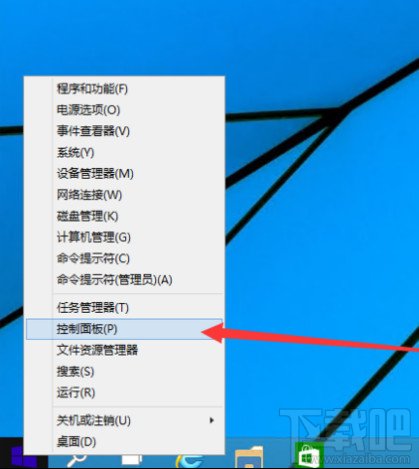
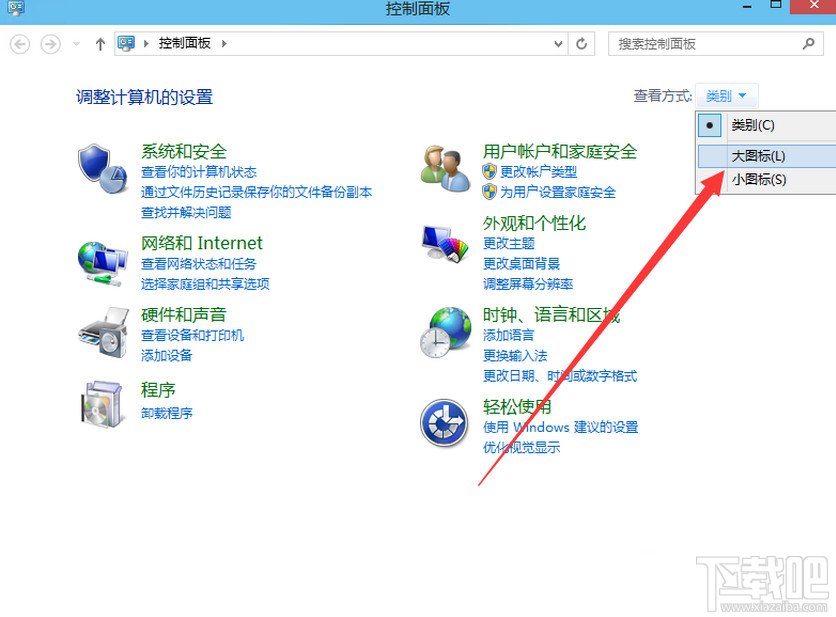
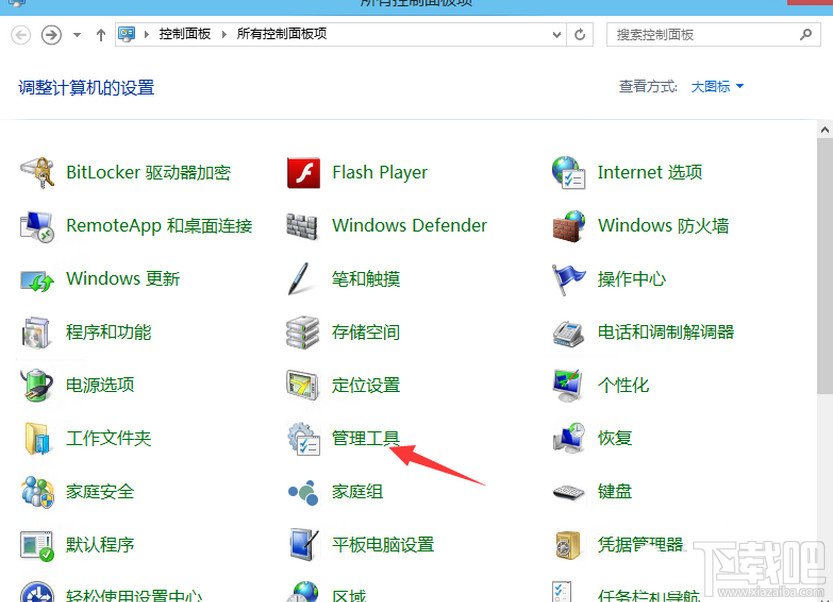
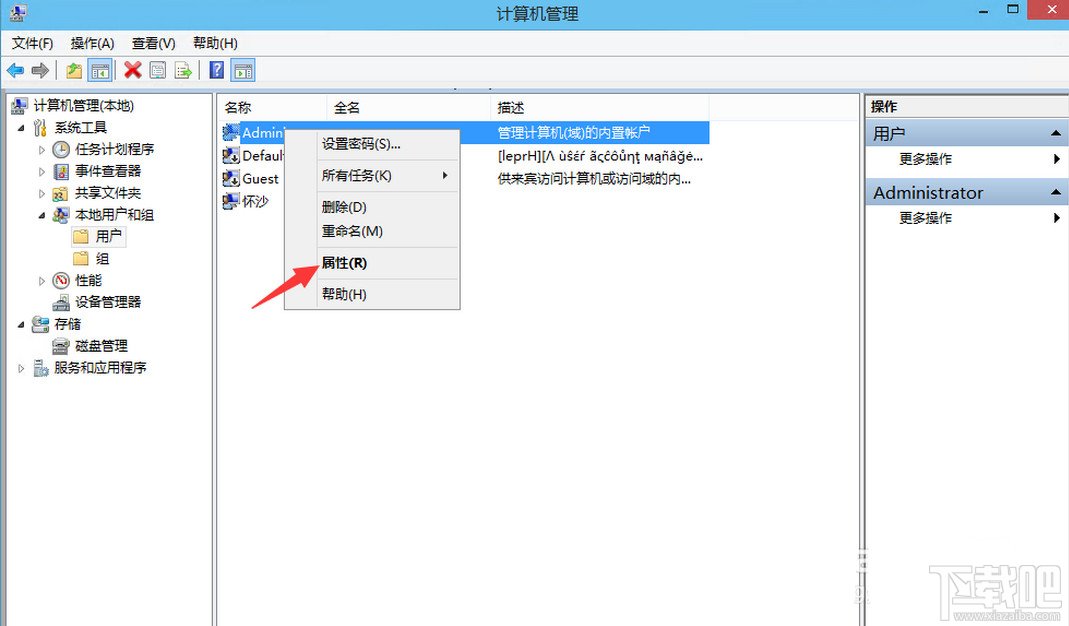
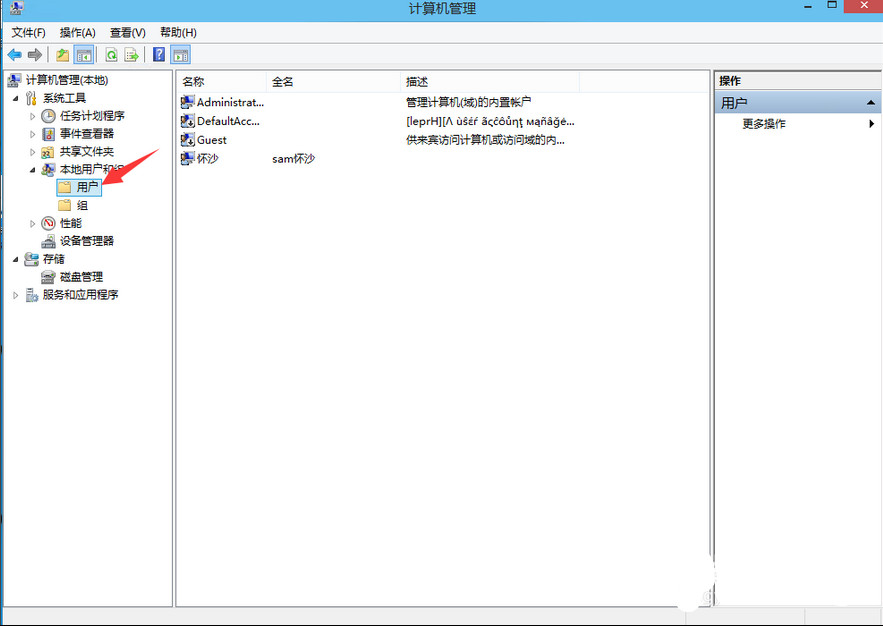
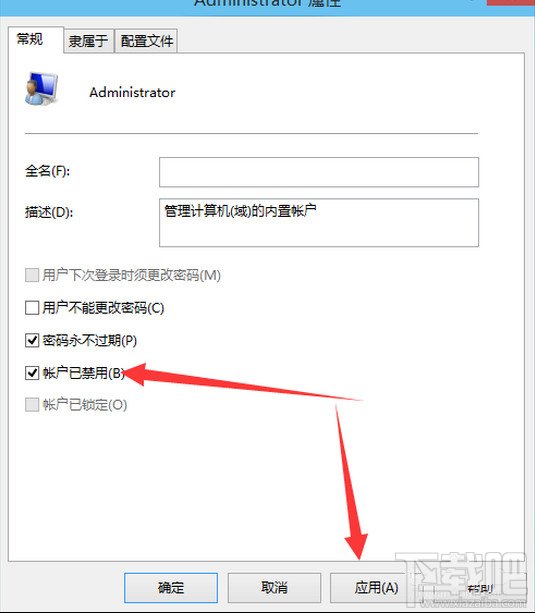
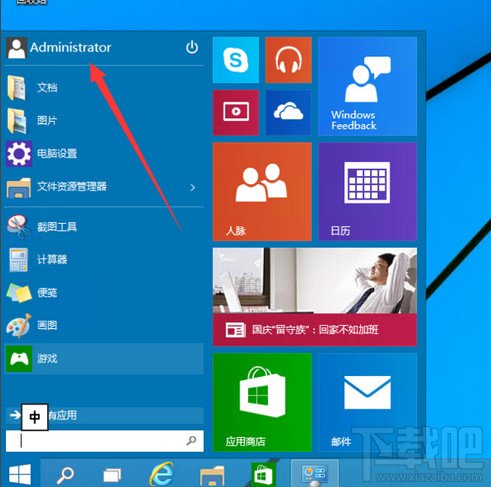
Administrator
內建 Administrator 擁有最高權限,免 UAC 干擾,適合系統維護,平時建議停用提高安全性。
Win10 Build 10056 圖示優化曝光:回收站、虛擬桌面、開始選單微調
Win10 沒聲音?內建「疑難排解」一鍵診斷修復大多數軟體性聲音問題
Win10 視窗標題列高度與捲軸寬度自訂:登錄微調讓介面更順眼
IBM/Lenovo 電源管理驅動舊版不相容導致 Win 10 死機藍屏?更新驅動即可解決
Win10 系統如何設定 IP Proxy 代理伺服器上網?系統級代理設定教學
Windows 10 UWP 應用磚圖標一鍵產生工具:UWP Tile Generator
Windows 10 升級卡住/死機?緊急重新開機安全解套
Windows 10 預覽版 14271 任務列白框箭頭移除方法:兩種設定方案