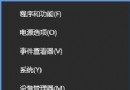
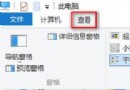
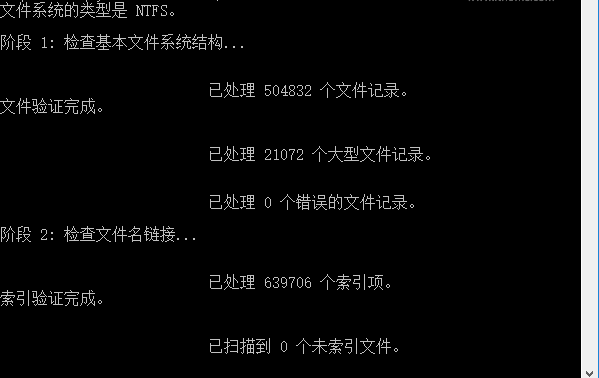
安裝 RedStone 預覽版 Build 14271 後,任務列通知區域出現異常白框箭頭圖示,影響美觀。
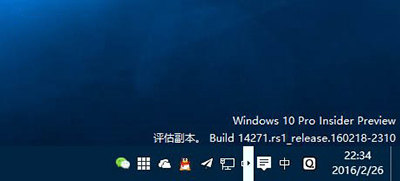
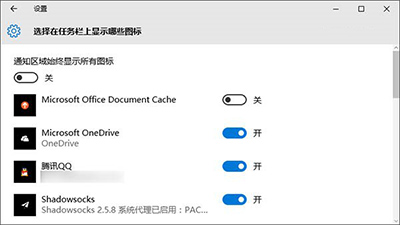
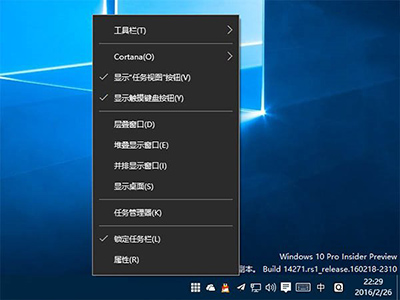
此為預覽版已知 UI Bug,正式版已修復。若上述方法無效,可嘗試重新啟動 Windows Explorer (taskkill /f /im explorer.exe && start explorer.exe) 或等待後續累積更新修復。
Win10 關閉自動播放三大法:控制台、群組原則、設定介面完整教學
Windows 10 升級後沒有聲音?四大排查方案針對 VIA/Realtek/驅動回滾/重裝
Windows 10 盜版與正版差異完整分析:功能限制、激活提醒、支援服務與價格對照
Win 10 相容 iOS 應用?Project Islandwood 橋接工具開源,將 Xcode 專案移植至 UWP
Win10 無法進入 BIOS?三種方法解決快速啟動阻擋進入韌體設定
Windows 10 如何登出/切換使用者?開始選單兩步驟完成