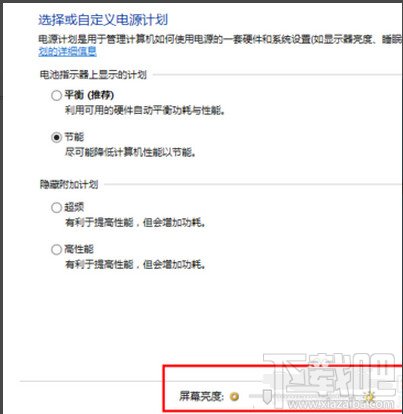
筆電建議用 Fn+F7/F8 快捷鍵更便捷。
Win10 10061 更改工作列與開始選單顏色:設定啟用「顯示工作列和開始選單上的顏色」
Windows 10 應用商店下載的應用如何解除安裝?兩種方法:開始菜單與設定應用程式
Win10 將 QQ 拼音設為預設輸入法:控制台語言進階設定教學
Windows 10 Build 9888 預覽版新功能體驗:設定應用程式內建搜尋
Win10 郵件應用「已寄出郵件」無法同步 錯誤 0x80070032 暫無官方修復,建議暫用其他郵件軟體
Win10 無法啟動 LOL/英雄聯盟修復大全:TGP 繞過 TP/修復工具/替換主程序/雙系統四大方案