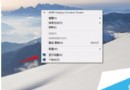
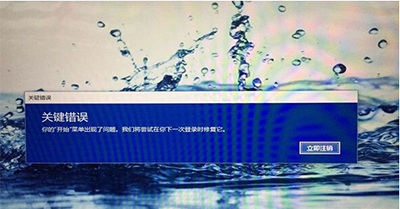
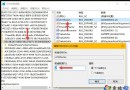
KB3156421 累積更新安裝失敗,微軟承認 Bug 但無通用修復。官方工程師 Wink 建議:收集 CBS.log 送微軟分析,或採取繞過方案。
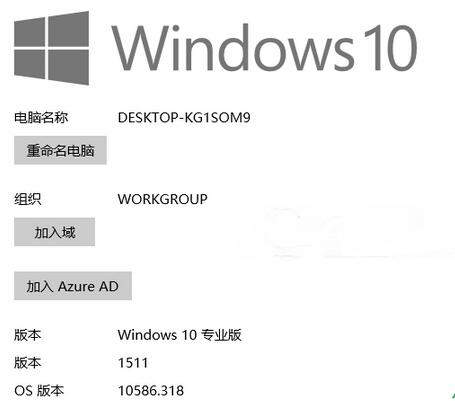
官方建議繞過方案
- 重啟進入安全模式 (Shift+點擊重新開機 → 疑難排解 → 進階選項 → 啟動設定 → 重新開機 → 按 4 或 F4)。
- 「設定」→「更新與安全性」→「更新歷程記錄」→「解除安裝更新」→ 移除 KB3156421。
- 下載執行 Windows Update Troubleshooter (Windows 更新疑難排解)。
- 在疑難排解中選擇「隱藏此更新」,防止未來自動重裝。
進階:提交 CBS.log 協助微軟修復
若願協助根治,請收集 C:\Windows\Logs\CBS\CBS.log 透過意見回饋中樞或官方論壇提交,微軟工程師可分析具體失敗原因 (如檔案鎖定、權限不足、磁碟錯誤等)。