Windows XP Windows 7 Windows 2003 Windows Vista Windows 綜合教學 Linux 系統教學
Windows 10 Windows 8 Windows 2008 Windows NT Windows Server 電腦軟體教學

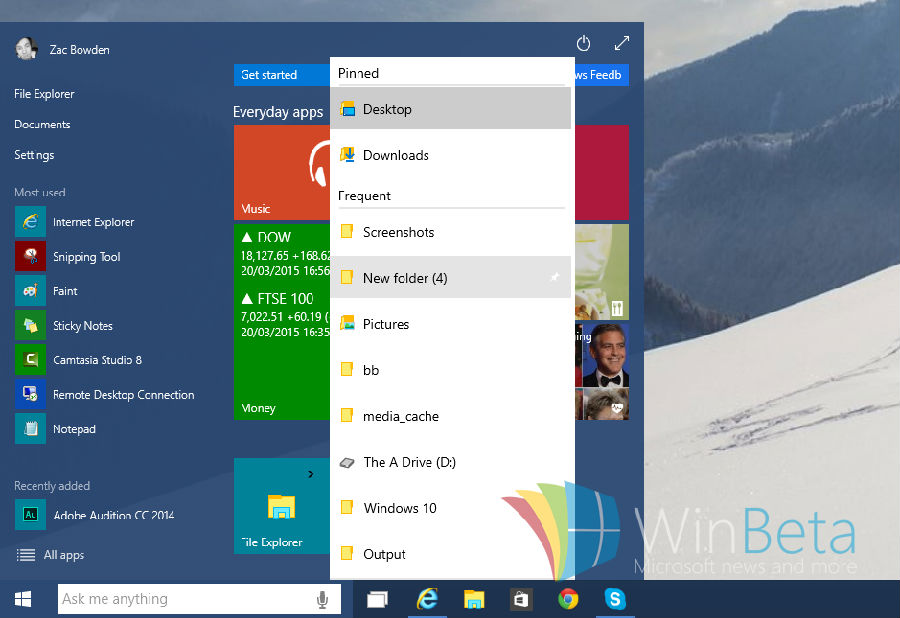
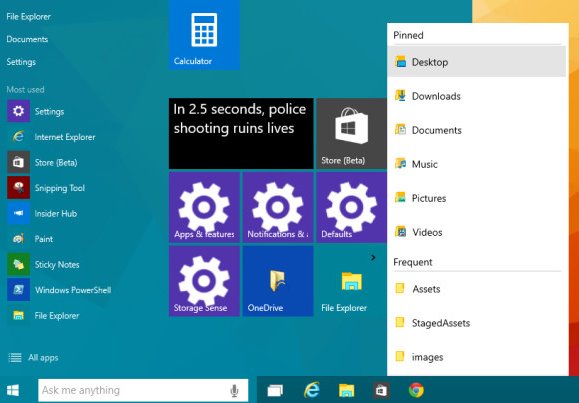
Win10 手動啟用開始選單跳躍清單:登錄 EnableXamlJumpView=1 讓右鍵顯示最近開啟項目

編輯:Windows 10 系統介紹

微軟承諾大幅改進 Win10 開始選單,熟悉的跳躍清單回歸。預覽版預設關閉,可透過登錄手動開啟。跳躍清單記錄各程式最近檔案/工作,右鍵開始選單或工作列圖示即可快速存取,完整支援 Win7/8.x 應用無需調試。
啟用步驟

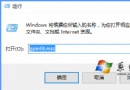
  1. Win+R → regedit。
  2. 定位:HKEY_CURRENT_USER\Software\Microsoft\Windows\CurrentVersion\Explorer\Advanced
  3. 新建 DWORD (32-bit) 值,名稱 EnableXamlJumpView,數值 1。
  4. 重開機生效。

功能仍在開發中可能不穩定,期待正式版完整呈現。開發者無需額外適配即相容。
Copyright © Windows教程網 All Rights Reserved