Windows XP Windows 7 Windows 2003 Windows Vista Windows 綜合教學 Linux 系統教學
Windows 10 Windows 8 Windows 2008 Windows NT Windows Server 電腦軟體教學

Windows 10 無法安裝 Office 2010 解決:msiclear 清理殘留、刪除 Groove 舊版本

編輯:Windows 10 系統介紹

Windows 10 安裝 Office 2010 失敗,常因舊版 Office (2003) 殘留導致。需用 Microsoft 官方清理工具 msiclear (Windows Install Clean Up) 移除所有 Office 相關項目,再手動刪除 Groove / Microsoft Groove Server 殘留項目,方能順利安裝。

解決步驟

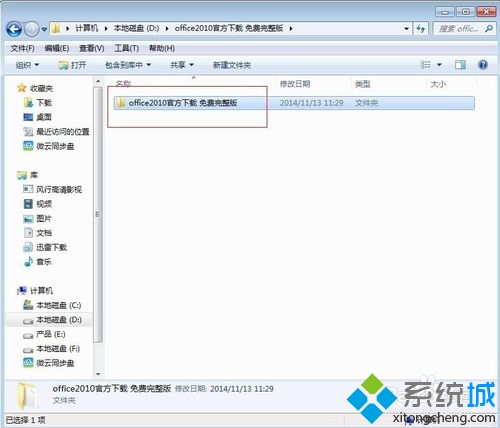
  1. 下載 Office 2010 完整安裝包。
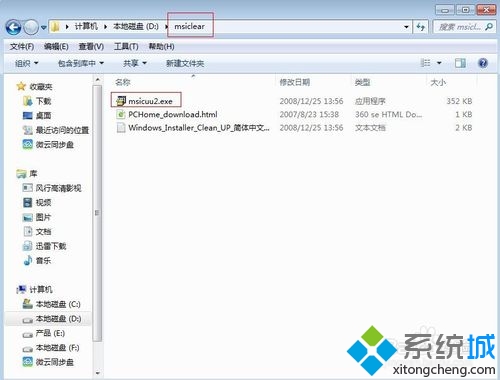
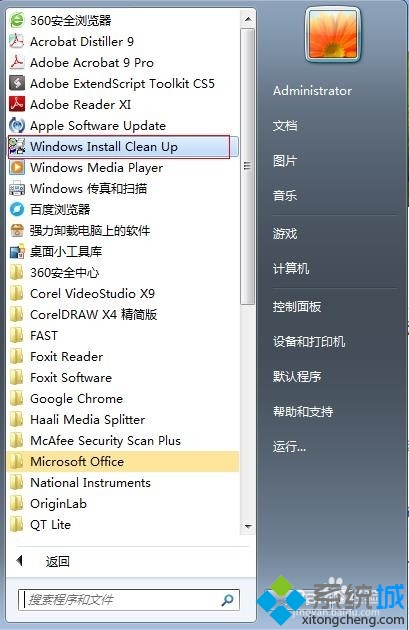
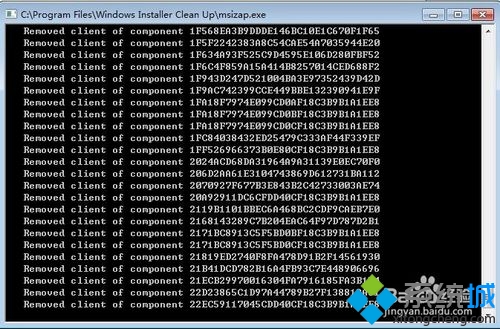
  2. 下載 msiclear,執行 msicuu2.exe → 所有程式 → 「Windows Install Clean Up」。
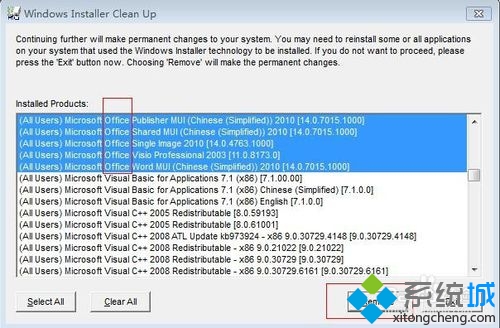
  3. 按住 Ctrl 選取所有含「Office」的項目 → 「Remove」刪除。
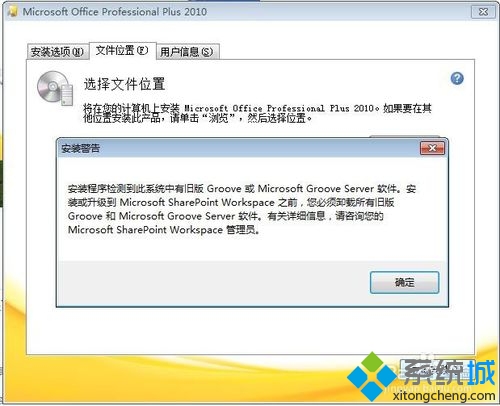
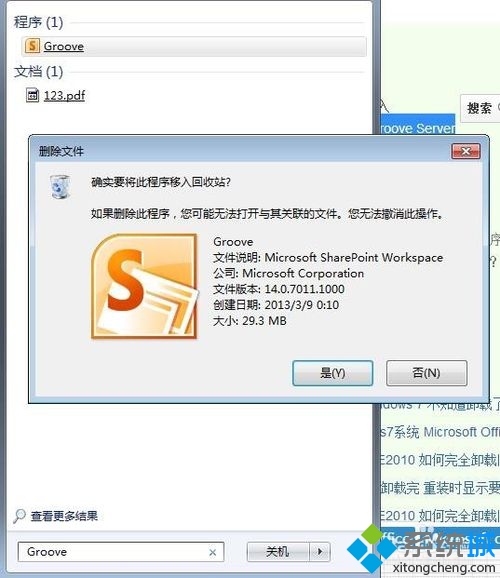
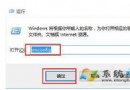
  4. 重新執行 setup.exe,若提示 Groove 舊版本阻擋,開啟「執行」(Win + R) 搜尋 Groove 並刪除。
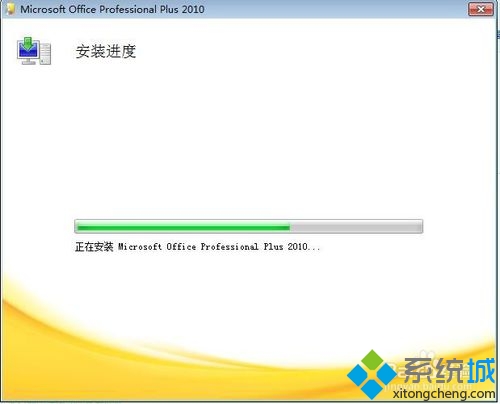
  5. 再次執行 setup.exe 即可正常安裝。

Office 2010 安裝包

msiclean 工具

Windows Install Clean Up

選取移除 Office

移除確認

Groove 阻擋提示

刪除 Groove

安裝成功

關鍵在於徹底清理舊版殘留,msiclear 配合手動刪除 Groove 即可解決。

Copyright © Windows教程網 All Rights Reserved