| 命令 | 用途 | 關鍵輸出信息 |
|---|---|---|
slmgr.vbs -dlv | 顯示詳細授權信息 | 激活 ID、安裝 ID、激活截止日期、授權狀態 |
slmgr.vbs -dli | 顯示基本授權信息 | 作業系統版本、部分產品金鑰、授權狀態、剩餘重置次數 |
slmgr.vbs -xpr | 顯示激活到期時間 | 「永久激活」 或 具體到期日期 |
winver | 顯示 Windows 版本資訊 | 版本號、建置編號、註冊用戶/組織 |
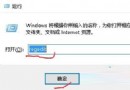
cmd,以管理員身份運行。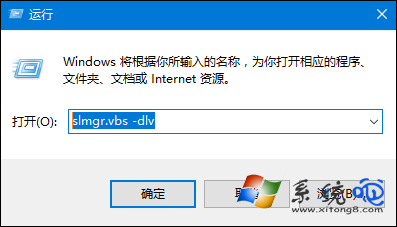
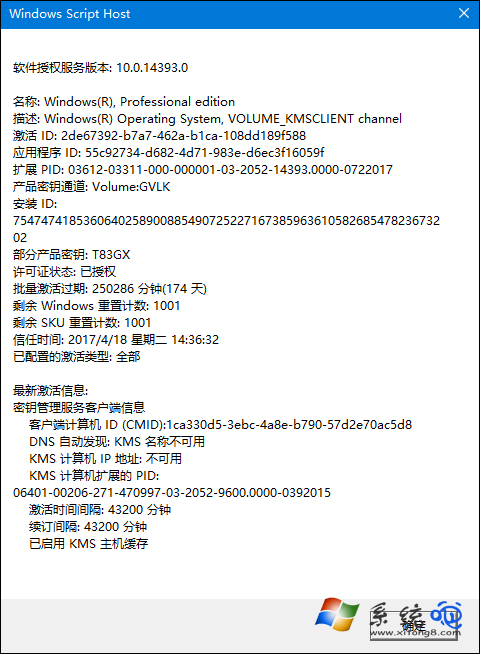
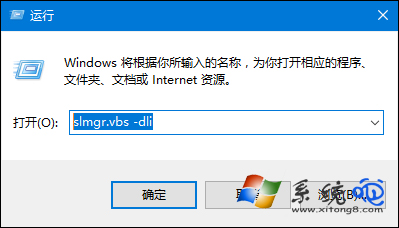
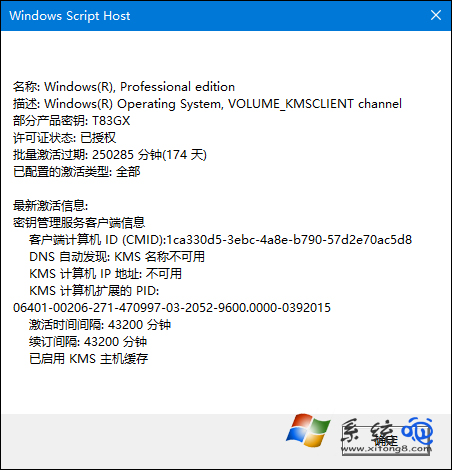
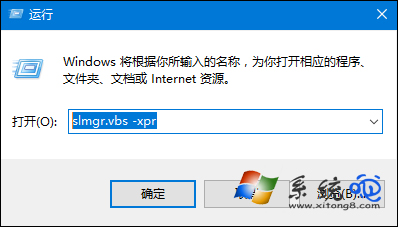
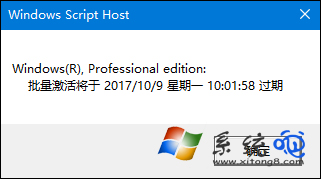
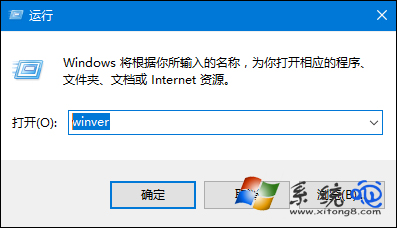
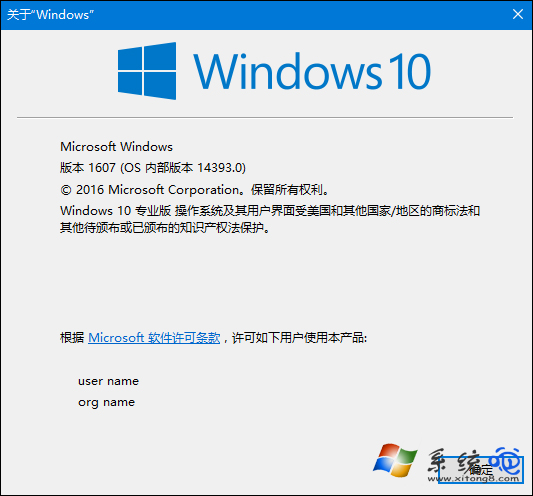
slmgr.vbs -xpr 彈窗顯示「The machine is permanently activated」(此電腦已永久激活)。slmgr.vbs -dli 顯示「License Status: Licensed」(授權狀態:已授權),且無剩餘天數倒計時。-xpr 顯示具體到期日期,-dlv 顯示「KMS client channel」,需定期自動續期(聯網即可)。| 類型 | 適用場景 | 持久性 | 檢測特徵 |
|---|---|---|---|
| 零售版 (Retail) | 個人購買盒裝/數位授權 | 永久,可轉移授權 | Product Key Channel: Retail |
| OEM 版 | 品牌機預裝 | 永久,綁定主板 | Product Key Channel: OEM:DM |
| 批量授權 (VL/KMS) | 企業/教育機構 | 180天週期自動續期 | Product Key Channel: Volume:GVLK |
| MAK 激活 | 企業多次激活金鑰 | 永久,激活次數有限 | Product Key Channel: Volume:MAK |