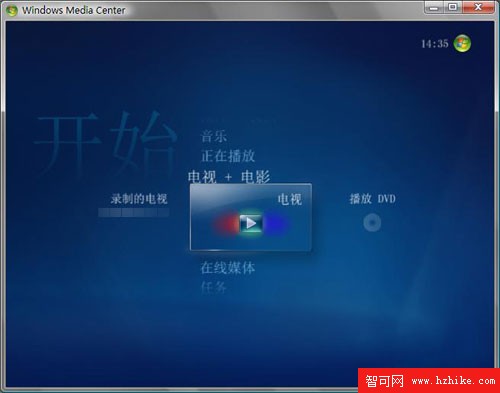
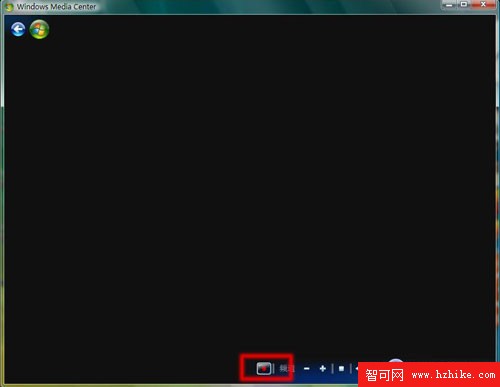
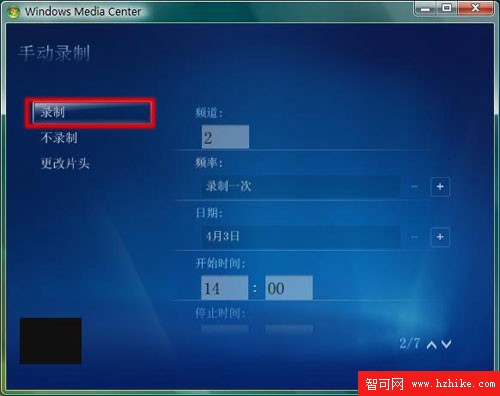
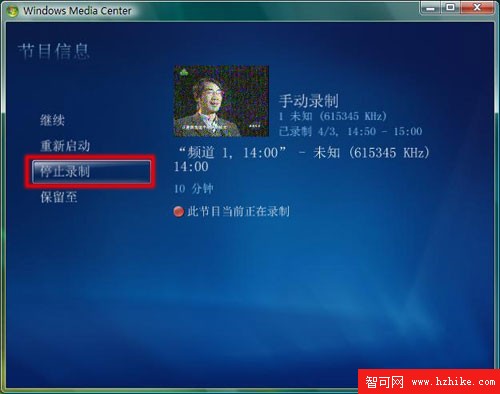
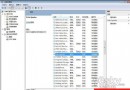
已完成電視頻道掃描 (參考「使用 Media Center 收看電視」文件)。
Windows Vista 照片庫批次重新命名檔案技巧
Windows Vista 讓滑鼠更聰明:自動移至預設按鈕、Ctrl 鍵快速定位
Vista 安裝過程無法辨識硬碟?啟用「磁碟機選項(進階)」格式化分區
Vista SP1 防毒軟體相容性問題彙整:江民、瑞星、趨勢 2008 版本更新指南
Vista 第三方主題「視覺樣式錯誤」?MUI 語言檔更名即可修復
Windows Vista 在 Internet Explorer 中啟用 Java 的設定步驟
Windows Vista 遠端桌面啟用完整教學
Vista 系統深度調校 10 大指引:打造專屬高效能工作環境