
舊版下載點(範例為 1.2.1):
https://github.com/downloads/facebook/tornado/tornado-1.2.1.tar.gz
注意:新版請至 GitHub Releases 或直接 pip install tornado

C:\Python27\)
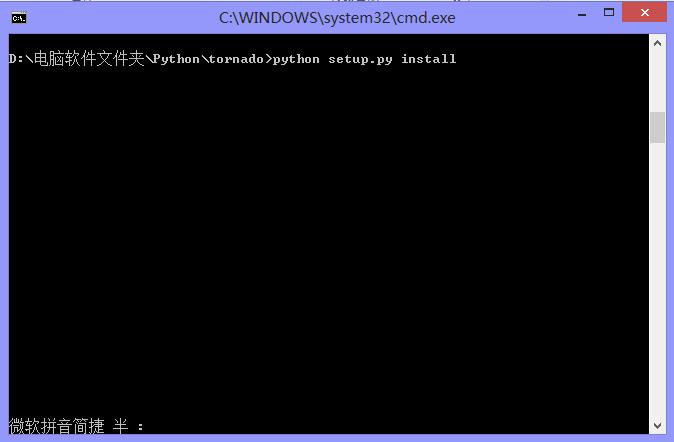
cd C:\Python27\tornado
python setup.py install

> python
>>> import tornado
>>> print(tornado.version)
# 無報錯且印出版本號即成功

# 建立虛擬環境
python -m venv venv
venv\Scripts\activate

# 一鍵安裝最新穩定版
pip install tornado

# 驗證
python -c "import tornado; print(tornado.version)"
原文採用手動解壓安裝屬於舊版做法,現代 Python 開發強烈建議使用 pip + 虛擬環境,依賴管理更乾淨、可攜性更高。