Win8 內建「數學輸入面板」 (Math Input Panel) 可手寫數學公式並轉換為 MathML/LaTeX/圖片插入文件。兩種啟動方式:開始畫面「所有應用程式」或執行 mip 指令。
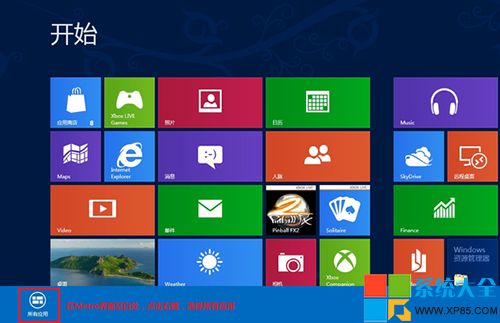
方法一:開始畫面
- 開始畫面空白處右鍵 → 「所有應用程式」。
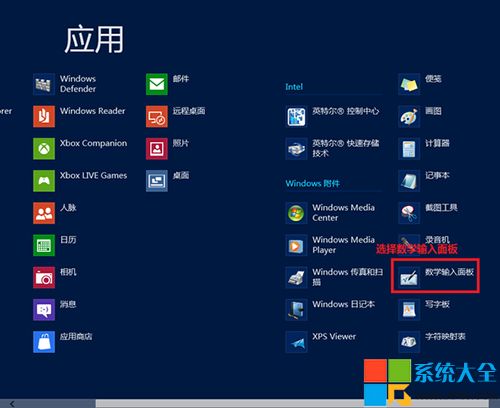
- 找到「數學輸入面板」點擊啟動。

方法二:執行指令 (更快)
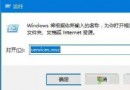
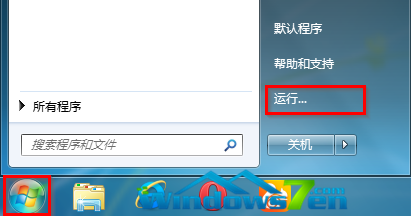
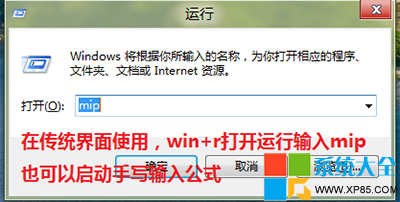
- Win+R → 輸入
mip → 確定。
功能特色
- 支援滑鼠/觸控/觸控筆手寫公式。
- 自動辨識轉換為 MathML,可複製貼上至 Word、OneNote、Mathematica、LaTeX 編輯器。
- 提供「更正」工具修正辨識錯誤。
- Win7/10/11 同樣內建,指令通用。