Win7 建立 VPN 連線失敗跳出錯誤代碼 868,常見於 DNS 解析異常或網路協議堆疊損壞。提供兩種快速修復方案。

方法一:手動指定 Google 公共 DNS
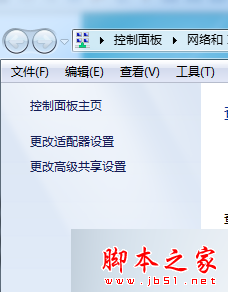
- 右鍵工作列網路圖示 → 「開啟網路和共用中心」 → 點選正在使用的連線。
- 「內容」→「網路」→「網際網路通訊協定第 4 版 (TCP/IPv4)」→「內容」。
- 勾選「使用下列 DNS 伺服器位址」:慣用 8.8.8.8 / 備用 8.8.4.4 → 確定。
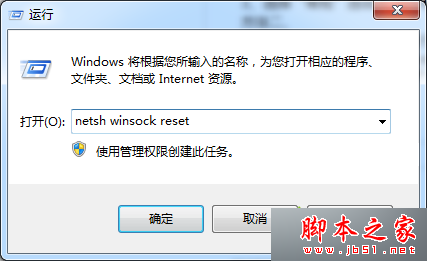
方法二:重置 Winsock 目錄並重開機
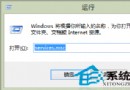
- Win+R →
cmd → 輸入 netsh winsock reset → Enter。
- 重新開機,VPN 連線即可恢復正常。
兩法任選一通常即可解決,建議先試方法二最簡單。