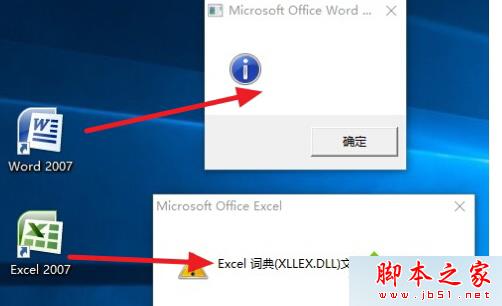
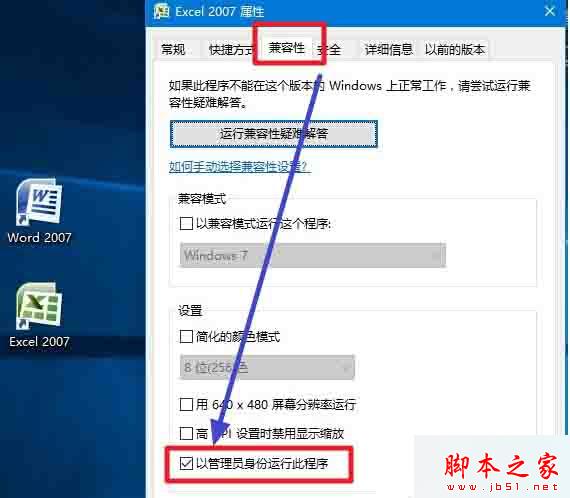
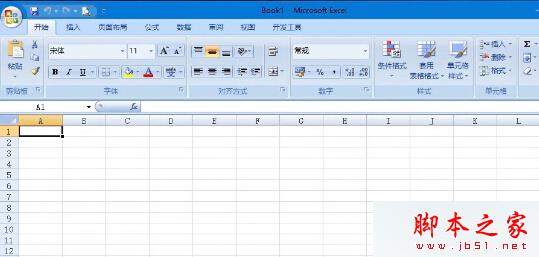
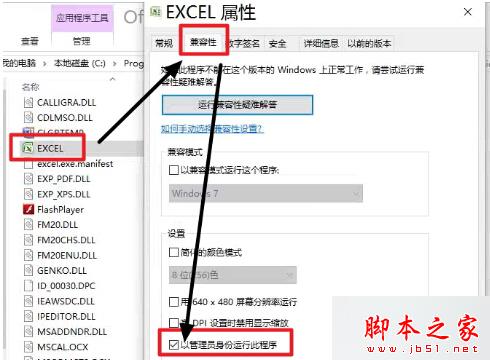
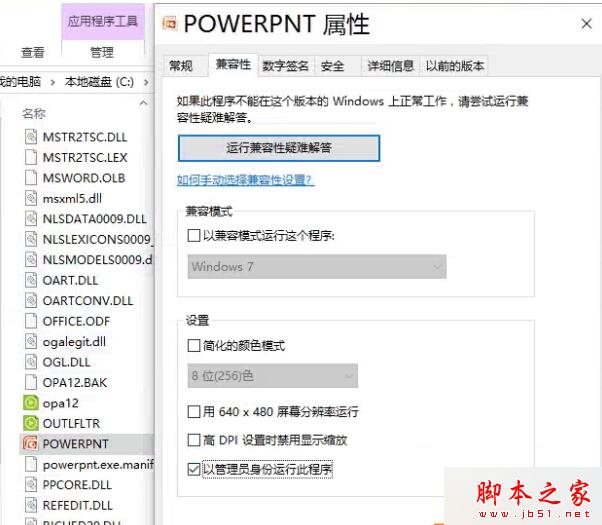
升級 Win10 後無法啟動 Office 2007 (精簡版常見),錯誤提示「權限不足」或「字典檔遺失」。因精簡版缺乏完整註冊表與相容性檔案,勾選「以系統管理員身分執行」即可解決權限阻擋。
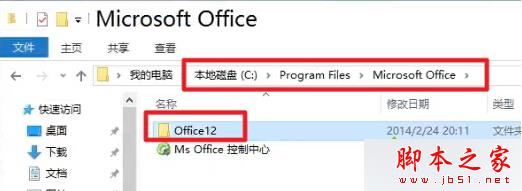
C:\Program Files\Microsoft Office\OFFICE12
EXCEL.EXE
WINWORD.EXE
POWERPNT.EXE
同理適用於 Office 2003 綠色版等老舊軟體相容性問題。
Win10 安裝 KB3135173 後系統「痙攣」狂彈通知?卸載更新 + 清理第三方應用雙管齊下
Win10 預覽版任務檢視(虛擬桌面)完整使用教學
Windows Insider 內部測試用戶獲贈 Windows 10 正式版免費升級資格,7 月 29 日同步推送
Win8 寬帶連線錯誤 720「無法建立遠端電腦連線」兩大成因與解決辦法
免費升級 Win10 資格取得與硬體需求完整指南:360 一鍵檢測教學
Win10 10162 無法檢測更新?三大排查方案與最終建議
Win7 建立與啟用隱藏帳號完整教學:註冊表 F 值複製法與 SpecialAccounts 登錄法雙方案
淺析影子系統五大缺點與 WinXP 徹底卸載方法 低階格式化或重新分區