Windows XP Windows 7 Windows 2003 Windows Vista Windows 綜合教學 Linux 系統教學
Windows 10 Windows 8 Windows 2008 Windows NT Windows Server 電腦軟體教學
您现在的位置: Windows教程網 >> Windows教程 >  >> Windows 綜合教學 >> 關於 Windows

msswch.dll 遺失導致螢幕鍵盤無法啟動?下載註冊檔案即可修復

編輯:關於 Windows

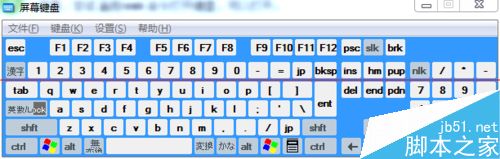
筆記型電腦鍵盤故障欲用螢幕鍵盤 (osk) 應急,卻提示「找不到 MSSWCH.dll」。此為系統檔案遺失/損毀,補回檔案並註冊即可恢復。
修復步驟

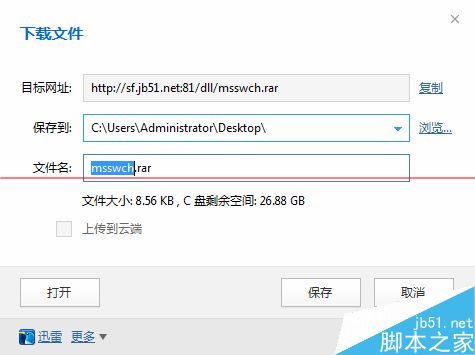
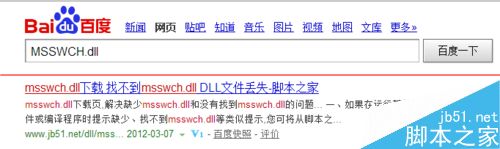
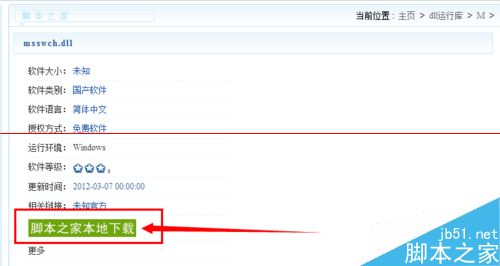
  1. 搜尋下載 MSSWCH.dll (確保來源可信,版本對應 OS 位元數)。
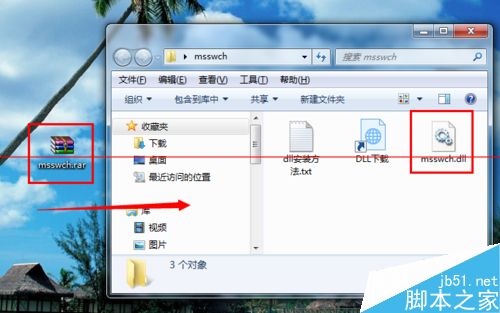
  2. 解壓縮 → 複製 MSSWCH.dll 至 C:\Windows\System32\ (64 位系統另需複製至 C:\Windows\SysWOW64\)。
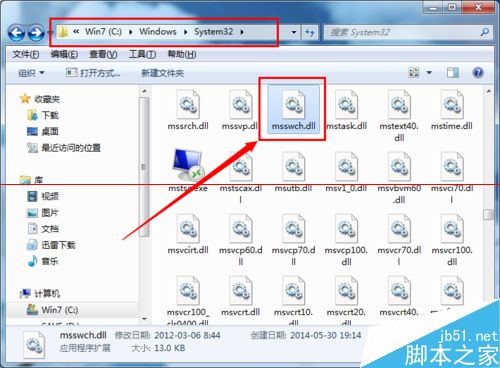
  3. Win+R → osk → Enter 測試啟動。
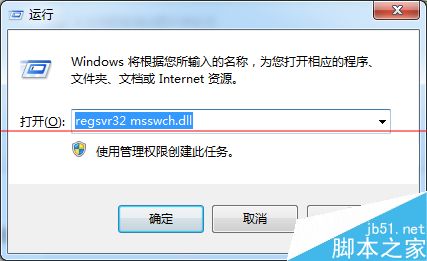
  4. 若仍失敗:Win+R → regsvr32 msswch.dll → Enter 註冊組件。

相關資源

  • Win10 螢幕鍵盤怎麼用?Win10 開啟螢幕鍵盤方法

此類系統 DLL 遺失常因防毒誤刪、清理工具過度清理、惡意軟體破壞,修復後建議全盤掃毒並檢查系統檔案完整性 (sfc /scannow)。

Copyright © Windows教程網 All Rights Reserved