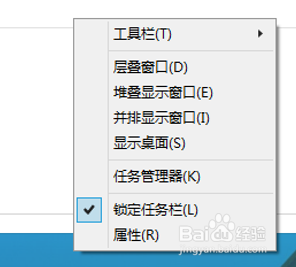
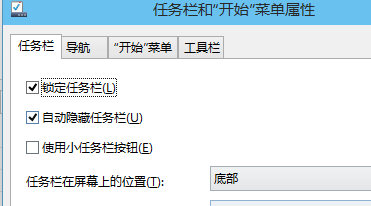
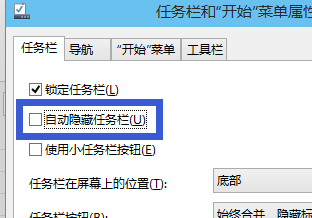
Win10 工作列若誤觸發自動隱藏,可透過以下步驟快速關閉該功能,讓工作列永久顯示。
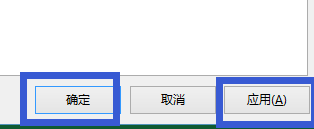
設定完成後工作列將固定顯示,不再因滑鼠移動而隱藏/顯示。
Win10 插入 U 盤連接正常但不顯示盤符?設置中刪除設備重新識別
Windows 7 筆電建立虛擬 Wi-Fi 熱點 (軟體 AP) 共享有線網路:netsh wlan hostednetwork 完整指令教學
Win10「重設這台電腦」完整圖文教學:保留檔案、完全清除、與重裝差異一次搞懂
Win7 系統只有一個 C 槽該怎麼解決?
Win10 原生支援 MKV 播放與 SRT/SSA/ASS 外掛字幕,免裝第三方播放器
Win7 ADSL 閒置自動斷線解決:關閉「閒置時間」設定
Windows 10 變更 Microsoft 帳號 PIN 碼完整教學
Win10 任務列通知區域圖示顯示/隱藏自訂設定:聲音、網路、OneDrive、QQ 等任選