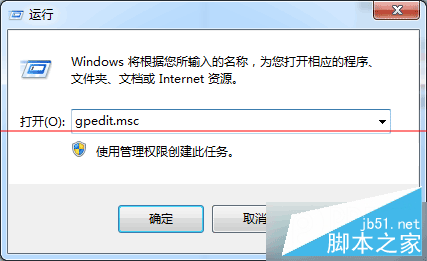
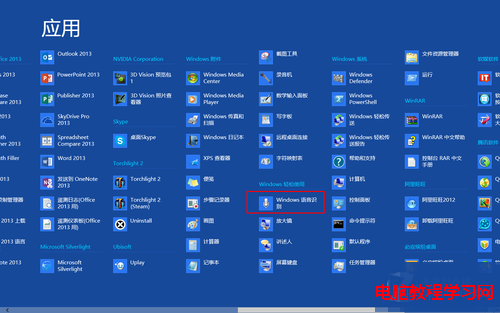
Windows 7 可透過群組原則設定帳戶鎖定阈值,輸入錯誤密碼達指定次數 (如 3 次) 後自動鎖定電腦,防止他人持續嘗試密碼。
gpedit.msc 開啟「群組原則編輯器」。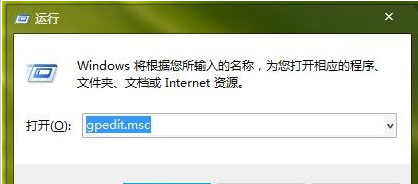
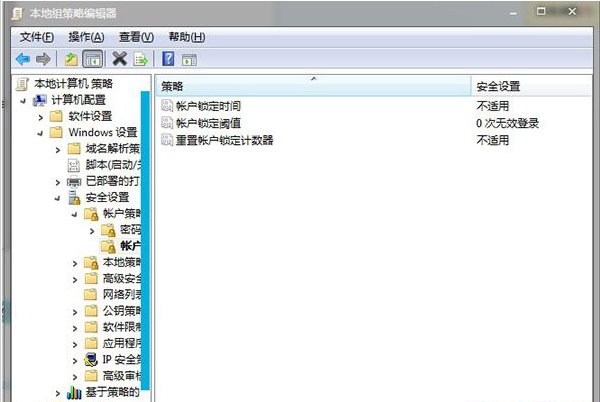
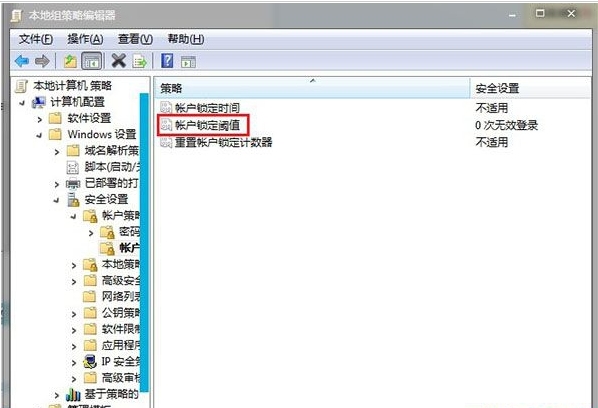
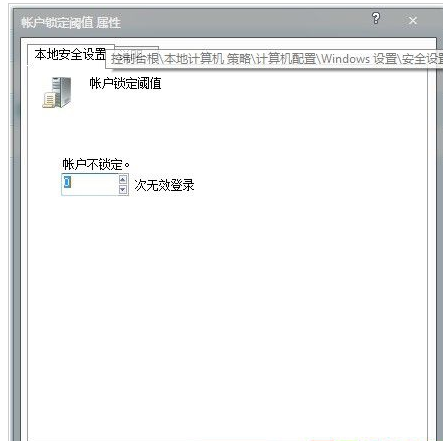
此功能僅適用於 Windows 7 專業版/企業版/旗艦版 (家用版無群組原則編輯器)。
Win10 如何設定登入密碼策略?強制定期更換與複雜度需求完整教學
Win10 記憶體無法為 read/written 錯誤解決:ShellExecuteHooks 清理、DLL/OCX 重新註冊、全量註冊
微軟宣布:10月31日停售 Win8 零售版與預裝 Win7 家用版 PC
製作正版 Windows 8/8.1 USB 安裝隨身碟完整教學:UltraISO 寫入 ISO、UEFI/BIOS 開機、安裝流程、驅動與激活
Win10 Mobile/PC《Windows 相機》更新:HDR 連拍 3 張、可靠性與效能修正、操作體驗提升
Win10 桌面圖示排版錯亂?四種解決方案完整教學(含註冊表與第三方工具)