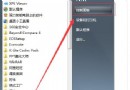
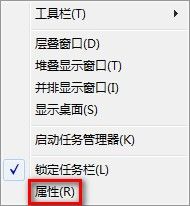
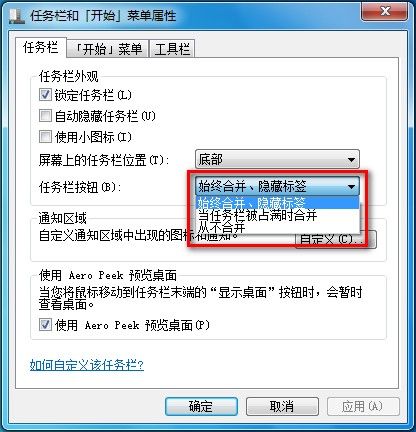
Windows 7 工作列提供三種按鈕顯示模式:永遠合併、隱藏標籤(預設)、工作列已滿時合併、從不合併。以下教您快速切換模式並對比效果。


Win10 如何設定 Win+E 直接開啟「此電腦」而非「快速存取」?圖文教學
Win7 系統時間調不準、存不住?CMOS 電池、病毒、權限三大成因完整排查
Win10 執行 VC6.0 相容性設定教學:重命名執行檔 + 相容模式 + 圖示修復
Win 8 內建 USB 3.0 驅動效能不佳?教你以相容模式安裝 Win 7 版驅動程式
Win10 Mobile 預覽版 10586.104 即將推送,或為 WP8.1 升級最佳版本
Win7 右鍵選單找不到「小工具」選項?一鍵啟用桌面小工具功能
Windows Server 2016 Build 10514 真機截圖流出:源自 TH2 分支,伺服器版本將不等到明年初發布