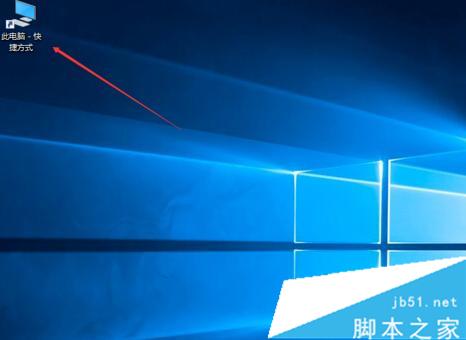
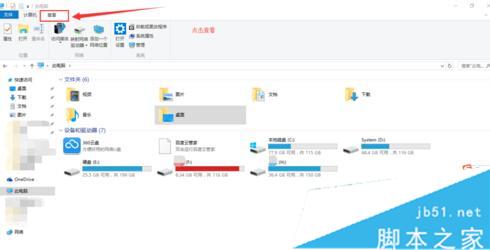
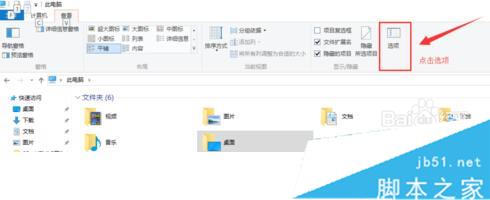
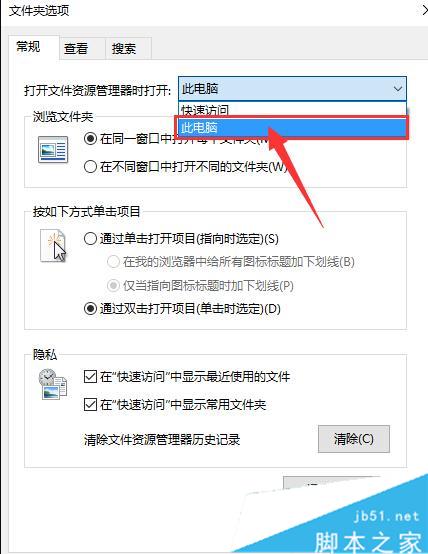
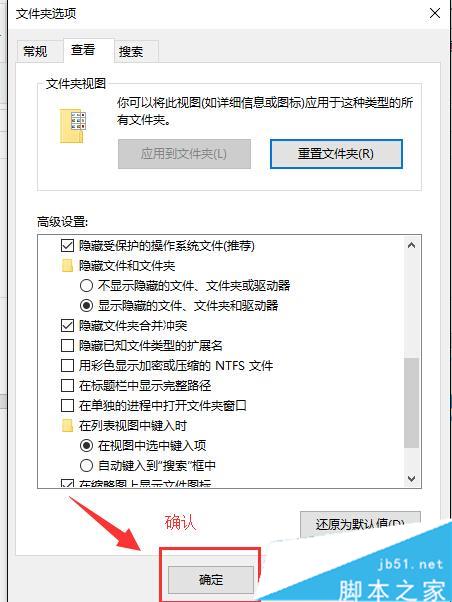
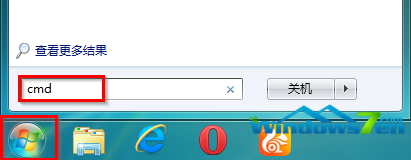
Win7 時代按 Win+E 直達「電腦」,升級 Win10 後預設卻開啟「快速存取」。只需調整檔案總管選項,即可找回習慣的操作邏輯。
設定步驟:
簡單幾步即可找回熟悉的快捷鍵行為,快去試試吧!
Win7/Win8.1 免費升級 Win10 官方通道關閉後的兩大替代法:輔助技術通道與「時光倒流」修改系統時間
Win7 如何快速啟動螢幕保護程式?建立 .scr 檔案捷徑雙擊即鎖屏
Win7 連接藍牙滑鼠/鍵盤導致無線網路掉線?停用 Broadcom 共存功能解決
Win10 檔案總管隱藏「常用資料夾」與「最近使用的檔案」保護隱私
Win10 刪除多餘無線網路設定檔:三步驟管理已知網路讓清單乾淨
Win7 防火牆允許程式/功能通過設定圖文教學
Windows 10 消費者預覽版取消?微軟改推 1 月技術預覽版 (JTP) 首度整合 Cortana
小米 4 可升級 Win10 Mobile 10581:內測用戶可郵寄北京刷機,2GB 記憶體版適配中,解除部分限制