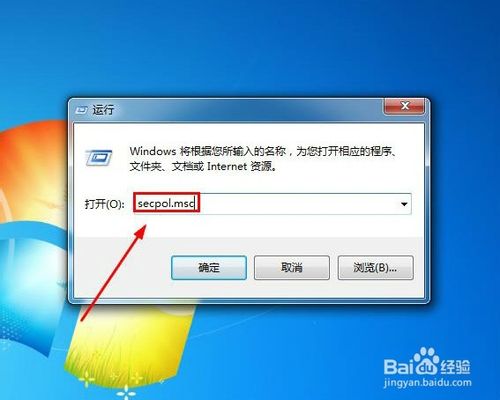
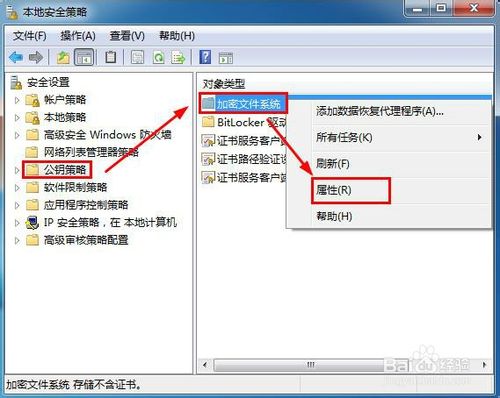
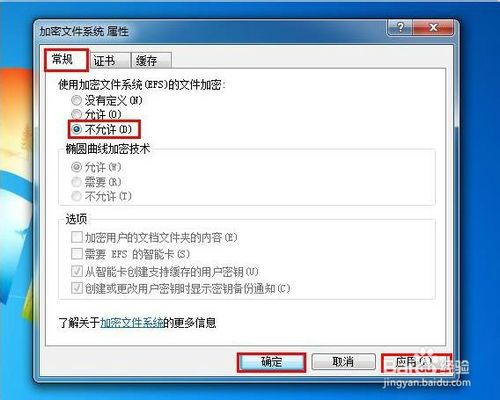
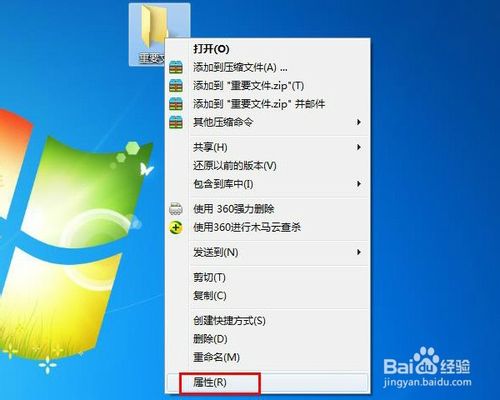
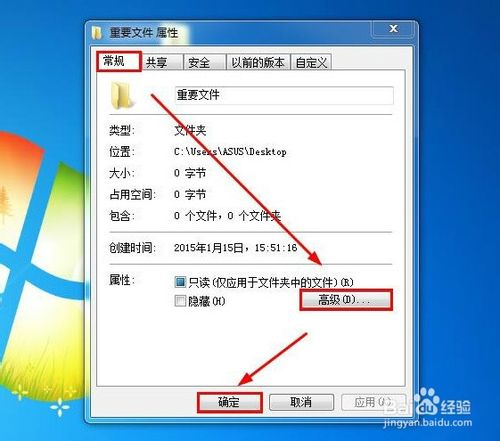
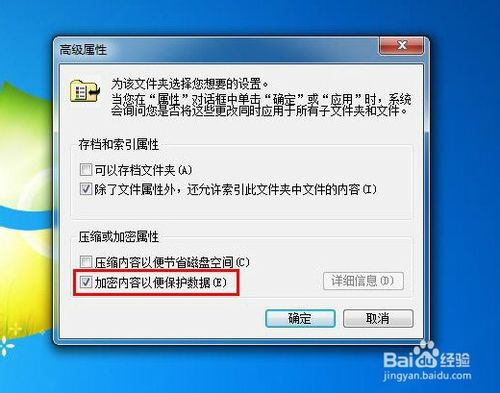
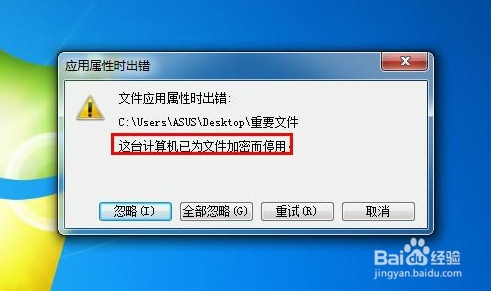
企業環境需防止員工私自加密檔案導致資料無法存取。Win7 透過本地安全性原則禁用 EFS:
secpol.msc
設定即時生效,無需重開機。有效防範內部資料外洩風險。
XP 搜尋功能失效?四種修復法:註冊 jscript.dll、重啟 explorer、批次註冊 DLL、登錄強制使用搜尋小幫手
WinXP、Win7、Win8 設定動態 IP(自動取得 IP/DNS)完整圖文教學
Windows 10 最低系統需求:1GHz/1GB/16GB 即可運行,舊電腦優化技巧
Windows 7 指令提示字元快速查看與修改環境變數教學
Windows 7 防火牆打不開、服務啟動失敗?兩種方法強制啟用服務修復
Win7桌面回收站圖標消失?個性化設置一鍵找回系統圖標
Win10 開機記憶體佔用過高?關閉 Superfetch、TimeBroker 服務或匯入登錄檔優化
Windows 10 週年更新 14393.82 累積更新 KB3176934/KB3176936 修正內容彙整