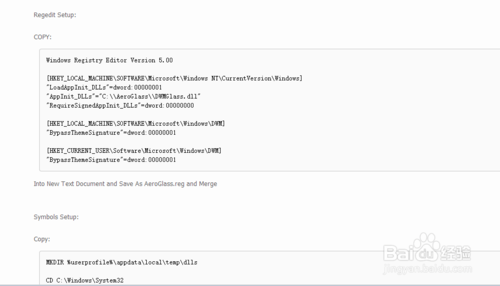
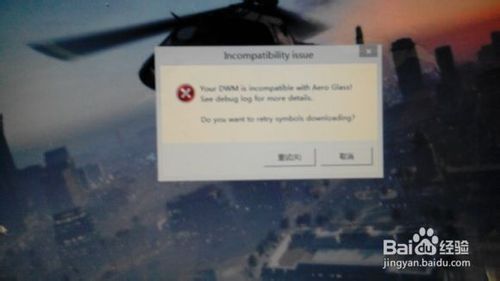
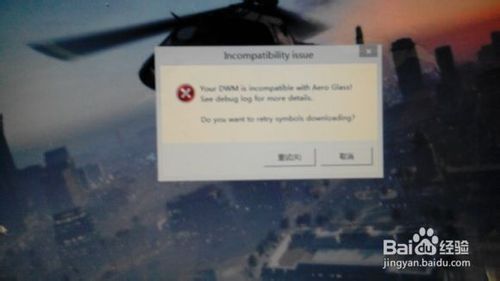
安裝 Aero Glass V1.0 彈出 「Your DWM is incompatible with Aero glass」 並黑屏死機,解決方案:
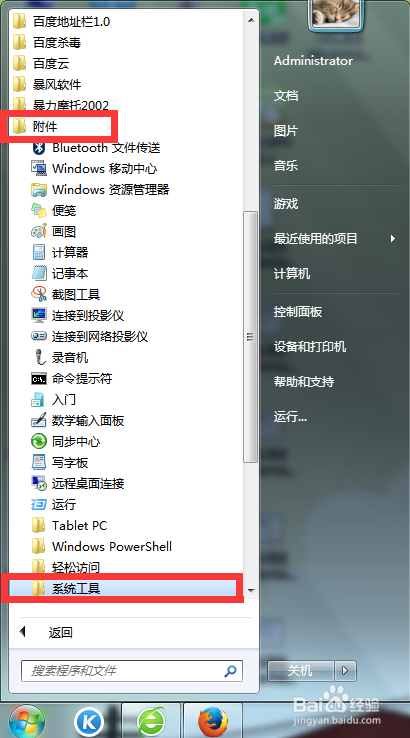
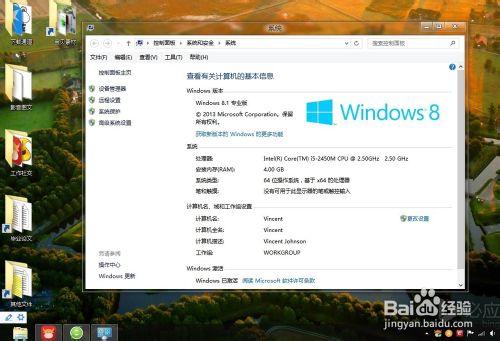
- 先移除 Aero Glass,重開機確認系統正常。
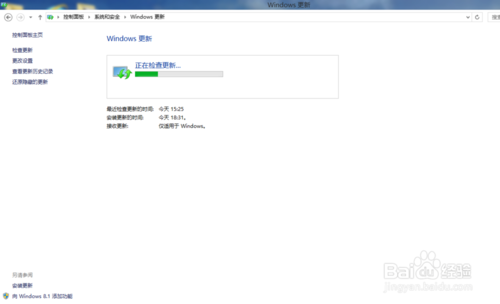
- 控制台 → Windows Update → 檢查更新 → 除語言包外全勾選安裝 → 重開機。
- 下載安裝 Windows SDK for Windows 8.1(MSDN),**僅勾選 Debugging Tools for Windows** 安裝 → 重開機。
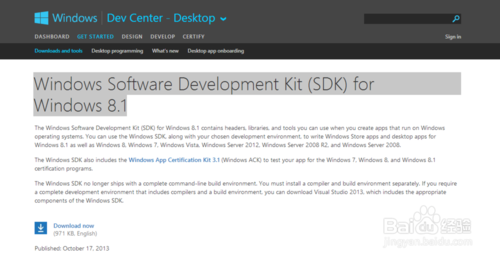
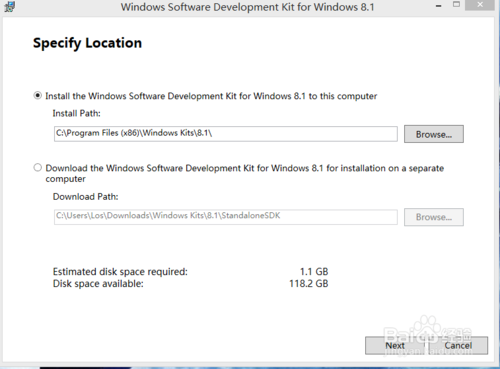
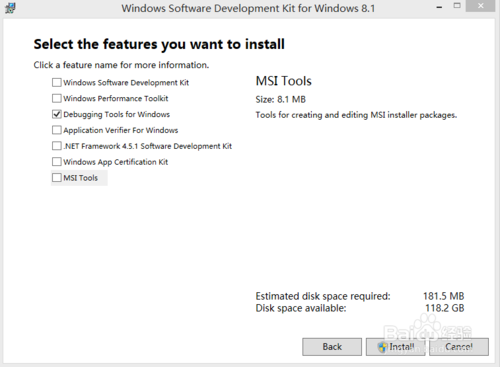
- 重新安裝 Aero Glass setup.exe 全程 Next → 重開機,不再彈窗黑屏。
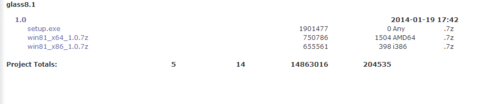
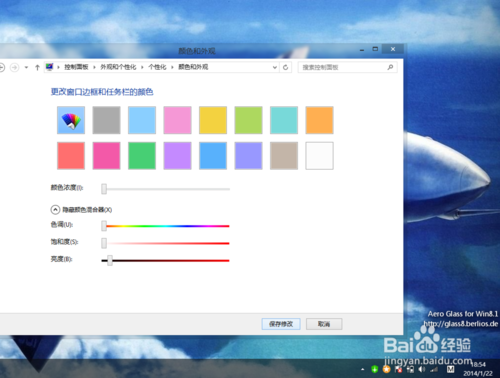
- 桌面個人化調整視窗顏色參數(白色、全拉最左)享受透明效果。
核心原因:缺少 Windows SDK 中的 Debugging Tools 導致 DWM 相容性檢查失敗。**建議安裝 Aero Glass 前先執行 Windows Update 並裝好 SDK**。
若仍失效參考 MSFN 論壇 383 樓老外方案:進階排查。