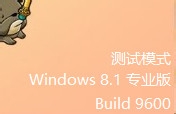
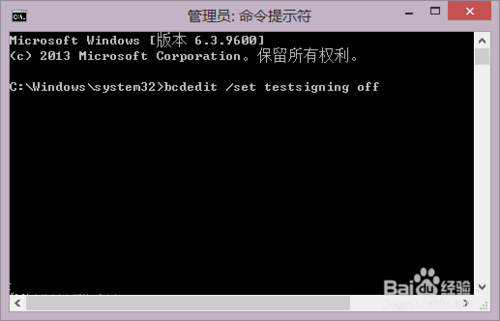
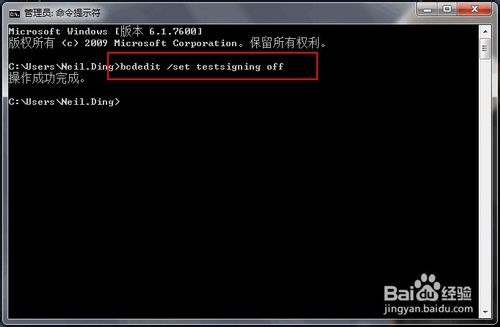
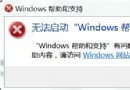
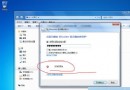
開機後右下角出現「測試模式」水印與版本號,通常因誤觸驅動程式測試簽章設定。退出極簡單,僅需一條命令:
bcdedit /set testsigning off
測試模式原為驅動開發測試用,正常使用環境下不應啟用。若頻繁誤入,建議檢查是否有第三方工具修改了啟動設定。
Win 10 硬碟分區操作教學:傲梅分區助手功能詳解
Win10 TH2 開啟彩色標題列設定教學(需修改登錄表)
WinXP 建立直接纜線連線,兩台電腦快速互聯共享資源
Windows 10 修改工作列「檔案總探索器」預設開啟位置:自訂快捷方式教學
Win10 Build 10568 更新了什麼?版本號微增、介面無變化、專注修補與效能提升
Win7 停用 NetMeeting 白板程式:群組原則「停用白板程式」設為已啟用
Win7 刪除網頁影片快取兩大法,釋放 C 槽空間加速瀏覽
Win7 筆電工作列自動隱藏不見了?一招固定回桌面底部