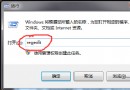
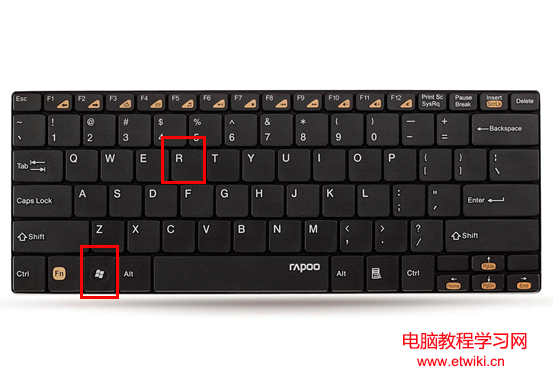
Win8.1 應用商店從開始畫面消失,實際上未被移除,只是磚被取消釘選。可透過「系統檔案檢查器」修復系統元件,再重新搜尋釘選即可找回。
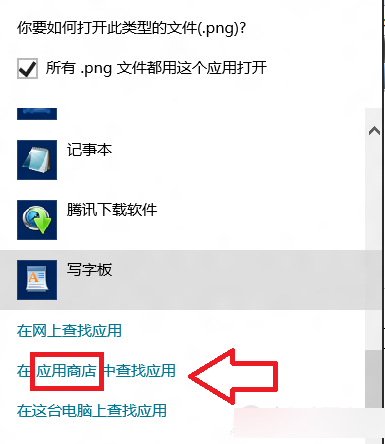
任意檔案右鍵 → 開啟方式 → 選擇其他應用程式 → 更多應用程式 → 最底部可見「Windows 市集」。
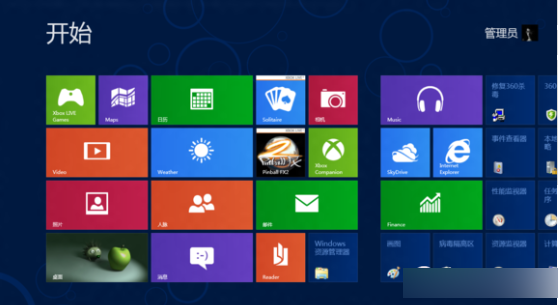
cmd → 以系統管理員執行。sfc /scannow 修復系統檔案。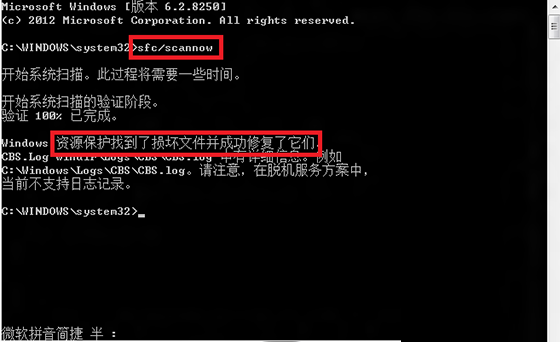
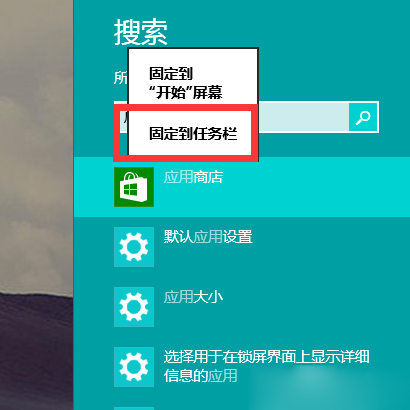
此問題常因安全軟體誤清理導致磚消失,sfc 掃描可修復註冊表與系統元件關聯。
Windows XP 開機提示「分頁檔案太小」的原因與解決方法
Windows 10 Build 10240 多國語言包下載(含 111 種語言)
Win8 系統 SmartScreen 篩選器介面變灰無法設定?刪除登錄檔鍵值即可解決
Windows 10 設定 Win+E 快捷鍵直接開啟「這台電腦」而非首頁
Windows Server 2008 R2 伺服器常規維護清單:從事件日誌到資料庫備份完整規範
Windows 字體突然變細模糊?調整 ClearType 文字微調還原銳利顯示