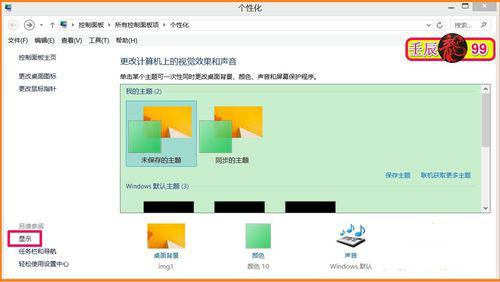
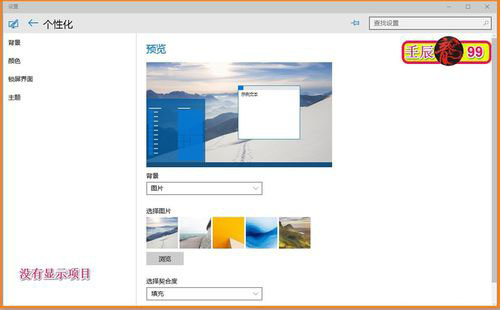
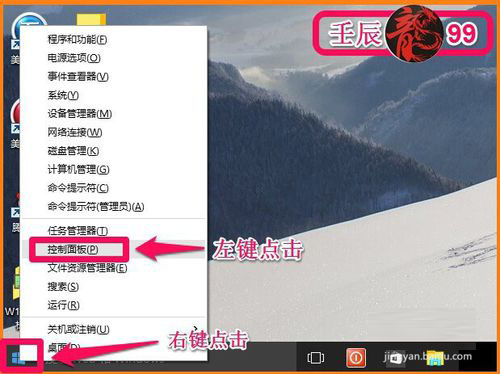
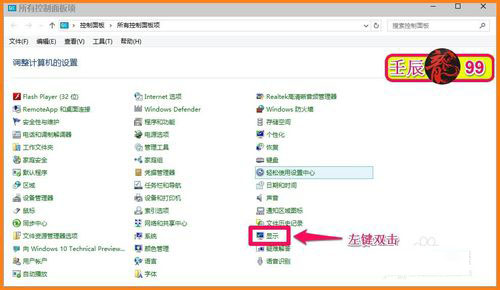
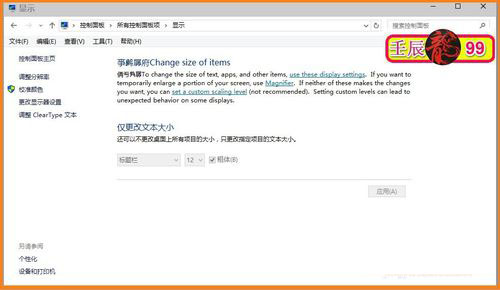
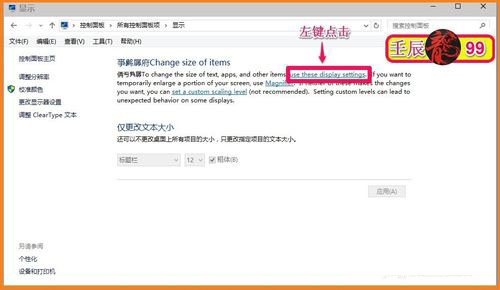
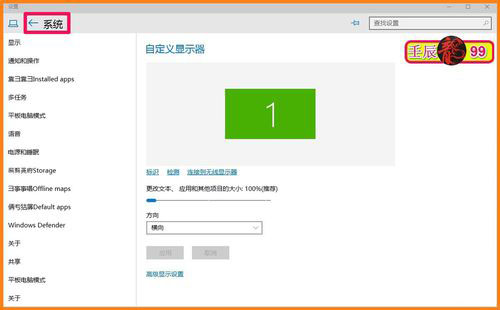
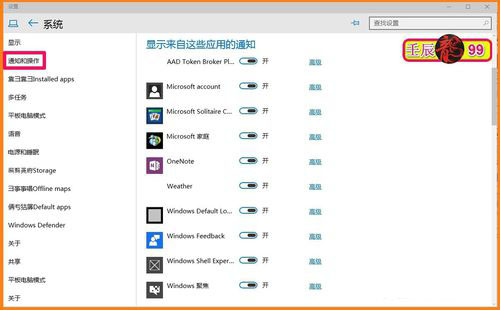
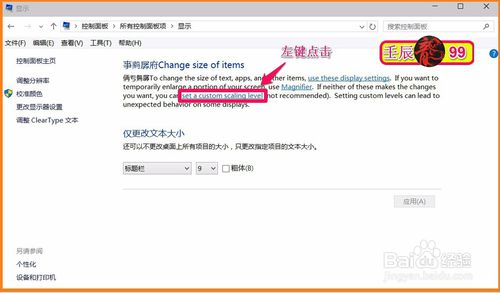
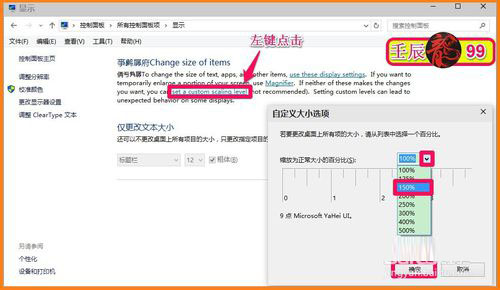
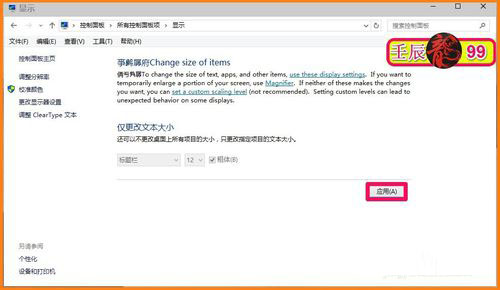
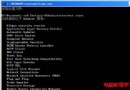
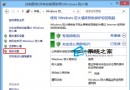
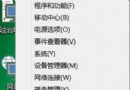
Win10 10102 個人化介面移除了「顯示」直接連結,需透過控制台存取:
後續版本已將顯示設定整合至「設定」→「系統」→「顯示」,路徑更直觀。
Win10 提示「找不到入口點 DllRegisterServer」解決方法
Windows 10 換硬碟後仍能自動啟用?數位授權綁定硬體 ID 機制詳細解析
WinXP 機殼前置耳麥孔無聲音?Realtek 高清音訊管理員停用前面板偵測
Windows 磁碟清理命令自動化教學:cleanmgr /sageset & /sagerun 參數詳解
Windows 7 開機密碼忘記?USB 開機破解密碼完整教學 (電腦店 PE 示範)
Windows 10 Mobile RS2 14951 更新卡在 0% 解決辦法
Win7 64 位元播放 SWF 檔案提示錯誤?群組原則啟用「所有處理序」解決
Win7 無法執行 EXE 可執行檔提示「缺少關聯程式」的解決辦法