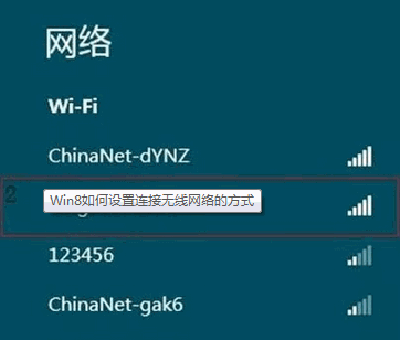
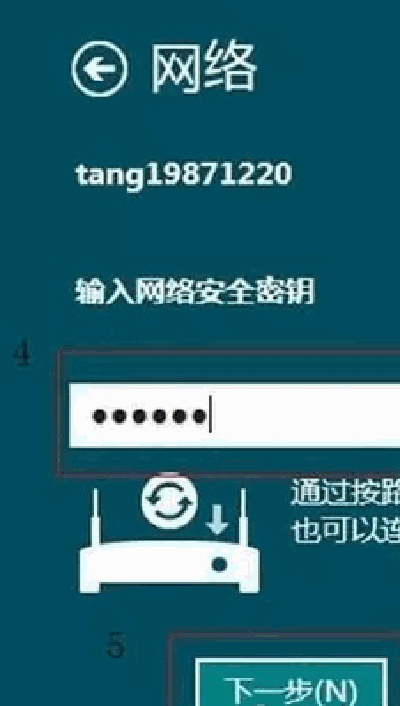
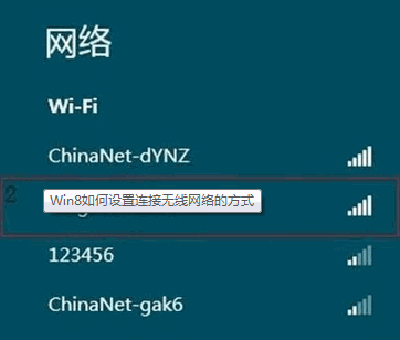
Win8 連 WiFi 六步走:
操作簡單直觀,新手也能輕鬆上手。
Win7 螢幕保護程式設定教學:個人化介面快速啟用與自訂
Win10 無法輸入中文?重啟 ctfmon、啟用 TextServicesFramework 任務、改用微軟輸入法、複製貼上四大解法
Win8/Win10 徹底移除麥克菲 McAfee 安全中心圖文教學(含官方 MCPR 工具)
Windows Server 2003 卷影副本實現網絡共享檔案還原
微軟重申:Win7/8.1 升 Win10 後不採年費制,首次安裝必須為升級模式才能自動繼承授權
Win10 多工作業檢視完整教學:虛擬桌面、視窗快速切換、多螢幕模擬
Win7 提示 BaiduSdTray.exe 損壞無法移除百度殺毒?四大徹底清除方案:正常移除、安全模式、系統設定、登錄清理
Windows 7 開機音效個人化:內建音效方案、自訂 WAV 檔、關閉開機音