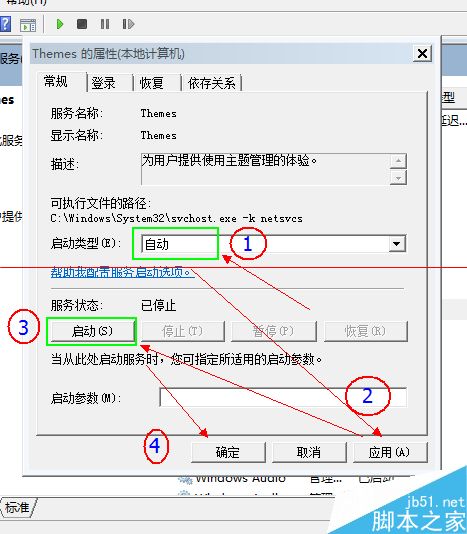
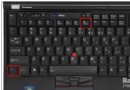
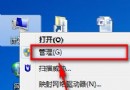
厭倦預設主題想換個風格,卻遇到安裝後無法套用的困擾?這通常是系統「Themes」服務未啟動導致。以下提供完整解決步驟。
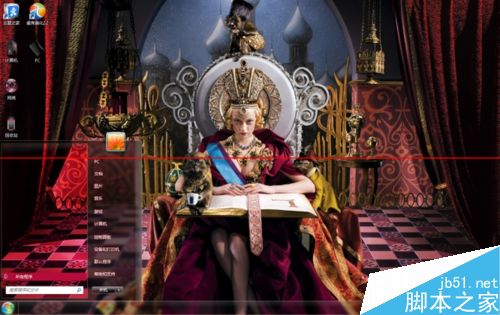
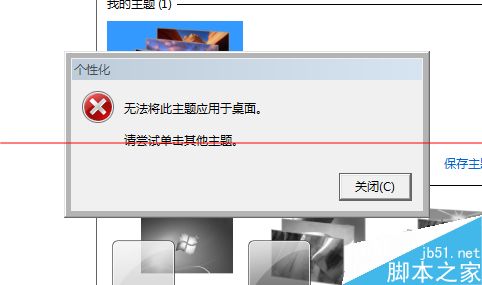
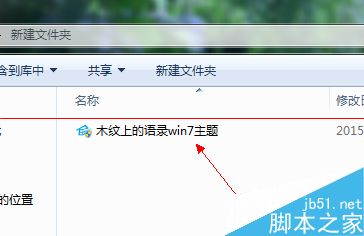
下載第三方主題安裝後執行,出現錯誤提示無法套用主題。
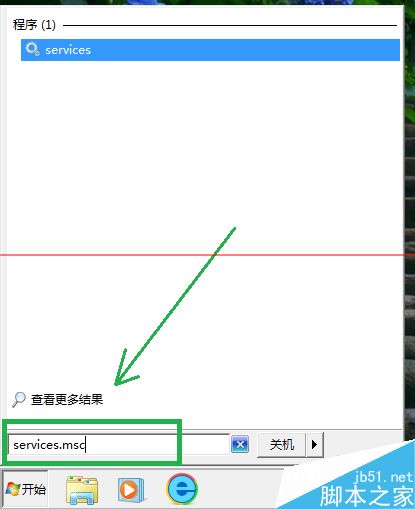
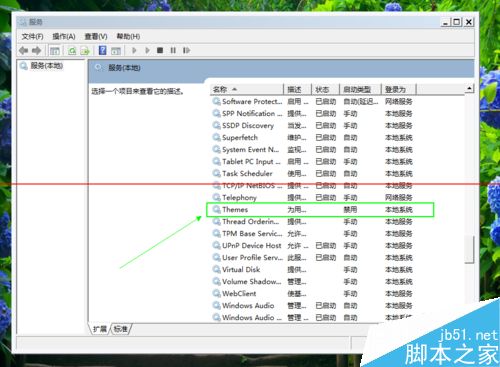
services.msc
注意:下載主題請選擇大型正規主題網站,避免下載攜帶惡意程式的主題檔案!
Win7 虛擬 WiFi 熱點完整教學:指令建立 SoftAP、ICS 分享網路、支援裝置對照表
Surface Studio 升級 SSD 完整教學:32 顆螺絲、170 步驟、理論不失保固,附 iFixit 拆解影片
Windows 10 技術預覽版全新搜尋體驗:整合本機、應用程式與網頁結果
Win10 Compact OS 壓縮模式啟用教學:一行指令釋放 2GB 系統空間
Win8 系統故障排除:動作中心「還原」功能恢復穩定狀態
Win10 啟用媒體串流(DLNA)功能:群組原則 + 服務 + 控制台三步走
升級 Win10 後風扇狂轉噪音大?將散熱模式從「主動」改為「被動」降低處理器頻率優先
Win7 顯示檔案副檔名(擴充名)識別檔案類型:資料夾選項一鍵設定