Windows XP Windows 7 Windows 2003 Windows Vista Windows 綜合教學 Linux 系統教學
Windows 10 Windows 8 Windows 2008 Windows NT Windows Server 電腦軟體教學
您现在的位置: Windows教程網 >> Windows教程 >  >> Windows 綜合教學 >> 關於 Windows

Windows 內建便箋、截圖工具、Tablet PC 輸入面板損壞修復:註冊 DLL 或系統檔案檢查器

編輯:關於 Windows

Windows 7/8/10 內建「便箋」、「截圖工具」、「Tablet PC 輸入面板」損壞無法開啟或功能異常,可嘗試註冊核心 DLL 或執行 SFC 掃描修復。

便箋修復

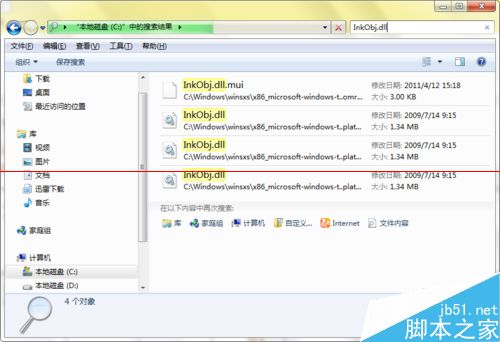
  1. 資源管理員搜尋 InkObj.dll(通常在 C 槽)。
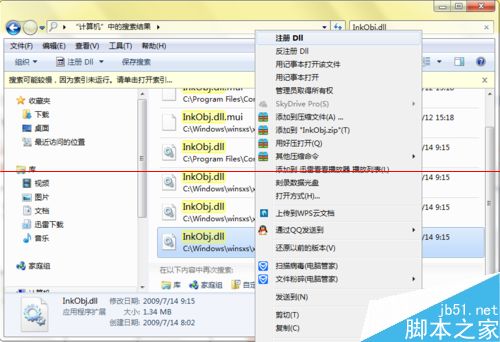
  2. 右鍵任一搜尋結果 →「註冊 DLL」(需安裝類似「右鍵註冊 DLL」擴充工具,或用命令提示字元 regsvr32 路徑\InkObj.dll)。

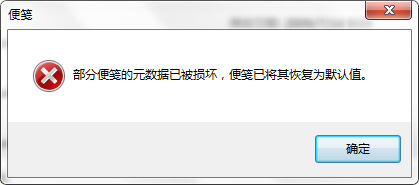
便箋損壞

搜尋 InkObj.dll

註冊 DLL

截圖工具修復

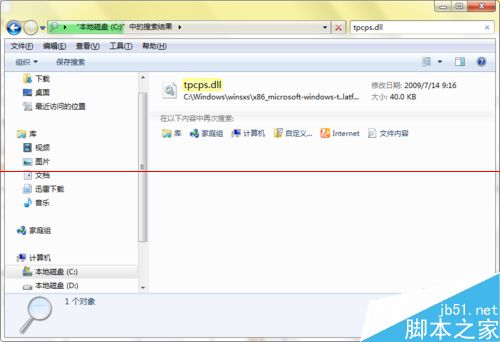
  1. 搜尋 tpcps.dll。
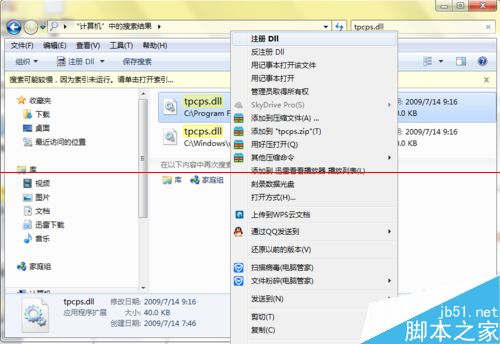
  2. 同樣右鍵「註冊 DLL」或 regsvr32。

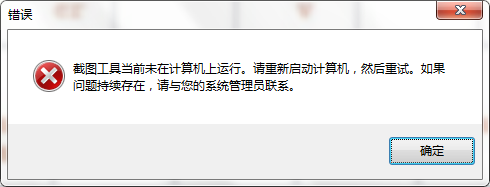
截圖工具損壞

搜尋 tpcps.dll

註冊 DLL 修復

Tablet PC 輸入面板修復 - 方法一:註冊 DLL

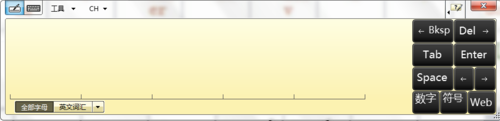
  1. 症狀:面板可開啟但無法書寫墨跡(OneNote、數學輸入面板同樣受影響)。
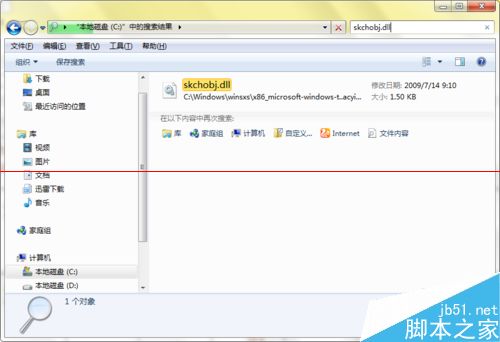
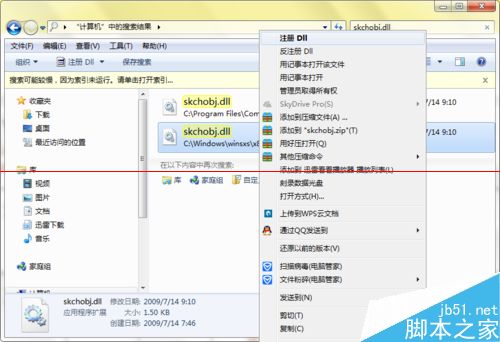
  2. 搜尋 skchobj.dll → 右鍵「註冊 DLL」。

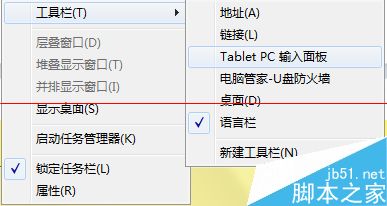
Tablet PC 工具列

墨跡無法書寫

搜尋 skchobj.dll

註冊 DLL 修復

方法二:系統檔案檢查器 (SFC)

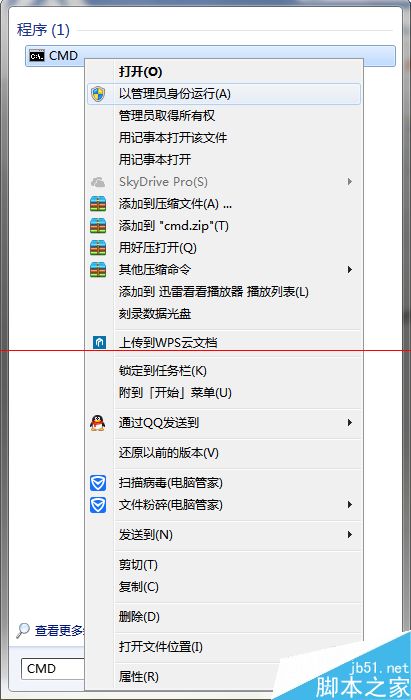
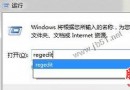
  1. 開始搜尋 cmd → 右鍵「以系統管理員身分執行」。
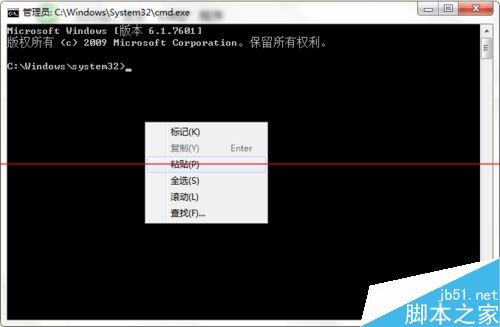
  2. 輸入 sfc /scannow(右鍵貼上,不可 Ctrl+V)→ Enter。
  3. 系統掃描並嘗試修復損壞系統檔案。

管理員命令提示字元

sfc scannow 執行

注意:家用版通常無 Tablet PC 功能;SFC 修復成功率較低,建議優先嘗試註冊 DLL 方法。註冊 DLL 需第三方右鍵選單工具或手動執行 regsvr32。

Copyright © Windows教程網 All Rights Reserved