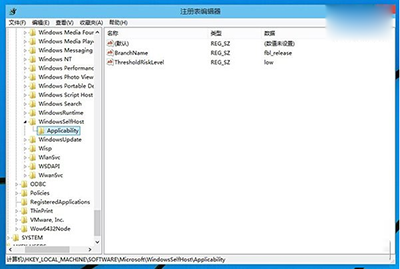
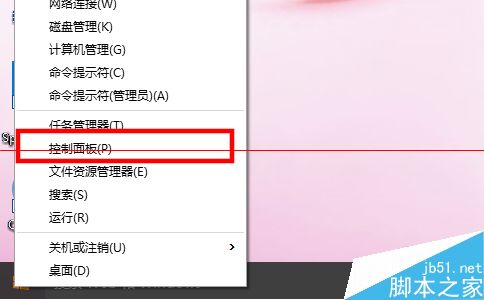
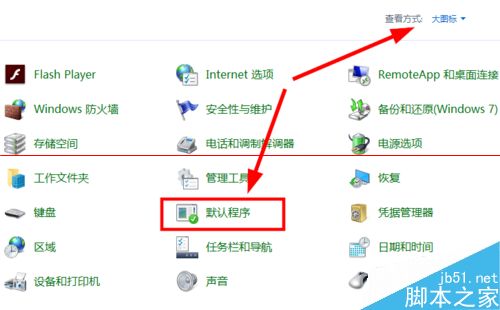
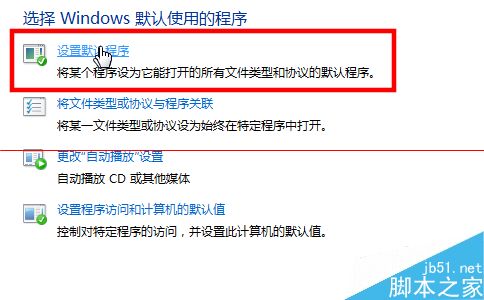
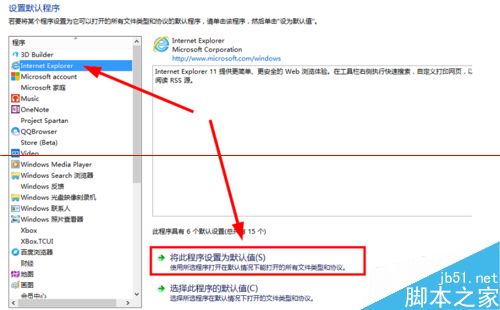
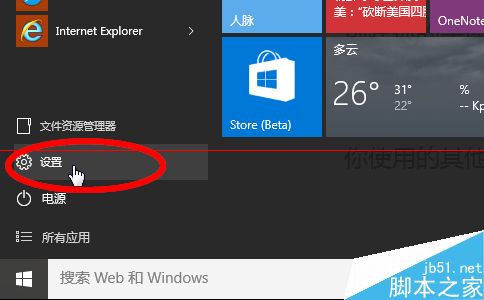
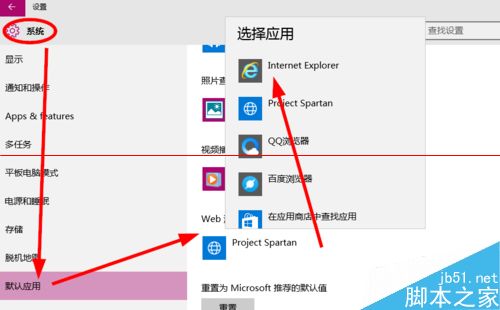
Windows 10 預設瀏覽器為 Microsoft Edge,習慣使用 IE 的用戶可透過以下兩種方式切換:
兩種方式效果相同,方法二更符合 Win10 現代介面操作習慣。

Win8 開機提示「你的電腦出現問題需要重新啟動」解決方案:Netsh 重置 WinHTTP Proxy
Windows 8.1 升級後無法啟用?修改 DNS 指向 Google 8.8.4.4 解決啟用伺服器連線失敗
Windows 7 安裝 VPN 軟體後無法上網?重設 TCP/IP 與 DNS 快速修復
Win7 關閉開機音效?控制台「音效」將音效配置設為「無音效」教學
Win10 傳統 BIOS/MBR 如何無損轉換為 UEFI/MBR 啟動?DiskGenius 建立 ESP 分區法
Win10 10586.122 更新修復第三方應用私自竄改預設程式漏洞