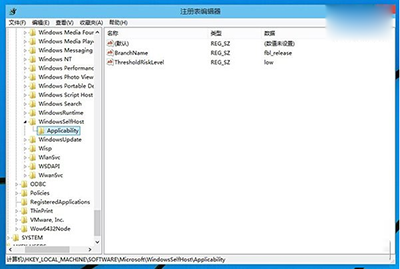
誤修改註冊表導致 Windows 預覽體驗計畫分支錯誤、無法接收更新?以管理員身分執行 CMD,執行四條 reg add/delete 指令即可恢復 HKEY_LOCAL_MACHINE\SOFTWARE\Microsoft\WindowsSelfHost\Applicability 為正式版預設值。
reg add "HKEY_LOCAL_MACHINE\SOFTWARE\Microsoft\WindowsSelfHost\Applicability" /v "BranchName" /d "fbl_release" /t REG_SZ /f
reg add "HKEY_LOCAL_MACHINE\SOFTWARE\Microsoft\WindowsSelfHost\Applicability" /v "ThresholdRiskLevel" /d "low" /t REG_SZ /f
reg delete "HKEY_LOCAL_MACHINE\SOFTWARE\Microsoft\WindowsSelfHost\Applicability" /v "ThresholdInternal" /f
reg delete "HKEY_LOCAL_MACHINE\SOFTWARE\Microsoft\WindowsSelfHost\Applicability" /v "ThresholdOptedIn" /f
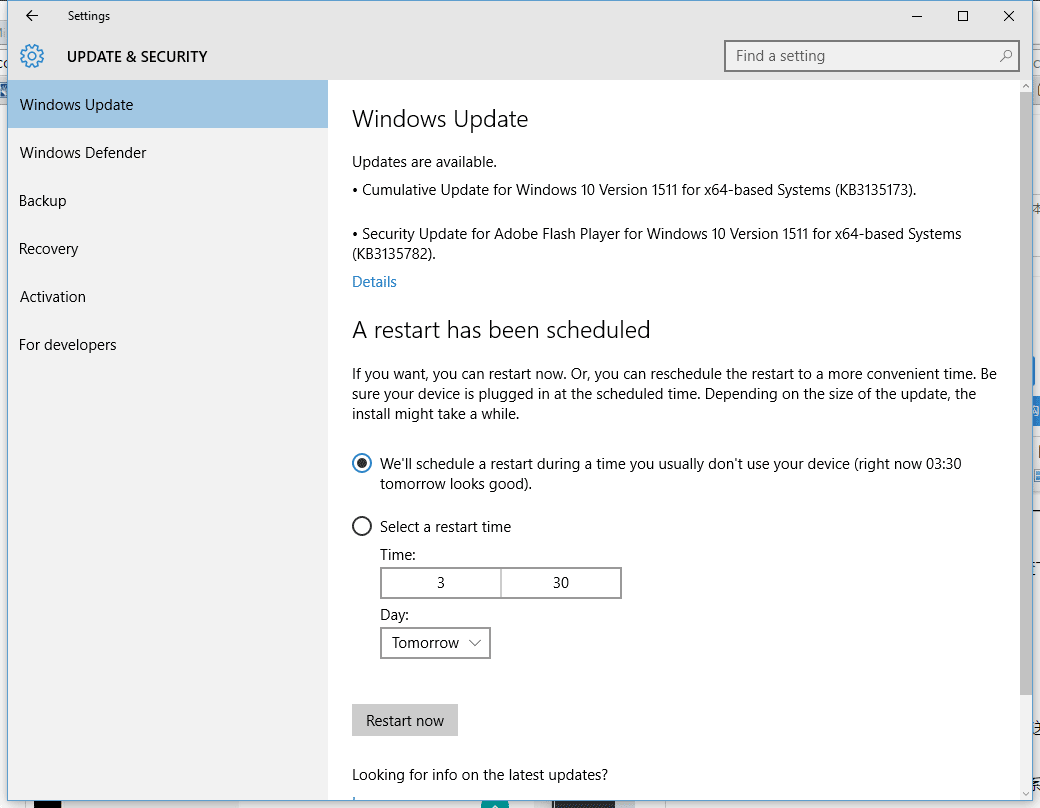
BranchName = fbl_releaseThresholdRiskLevel = lowThresholdInternal、ThresholdOptedIn 兩值執行完畢重開機,設定 → 更新與安全性 → Windows 預覽體驗計畫將顯示為「正式版」通道。