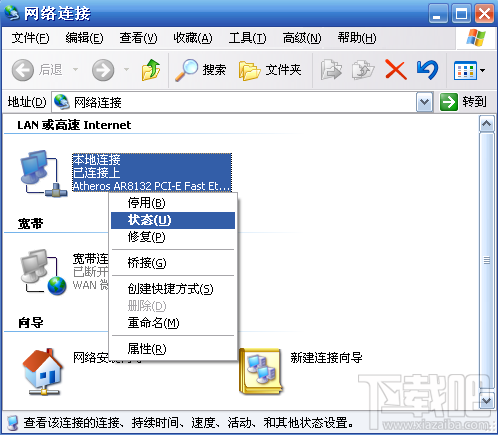
Windows Easy Transfer 可快速將舊電腦資料遷移至新電腦 (需同網段或交叉線直連):
transfer → 開啟 Windows Easy Transfer。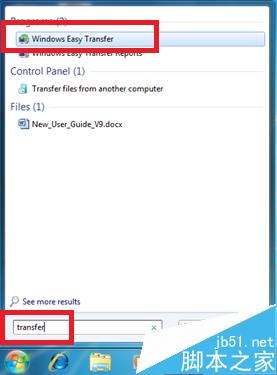
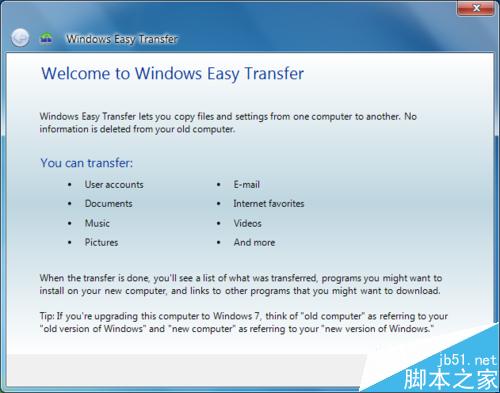
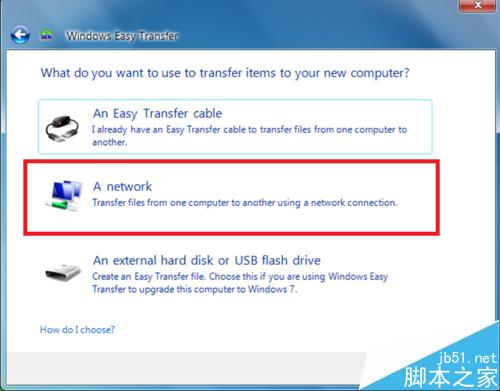
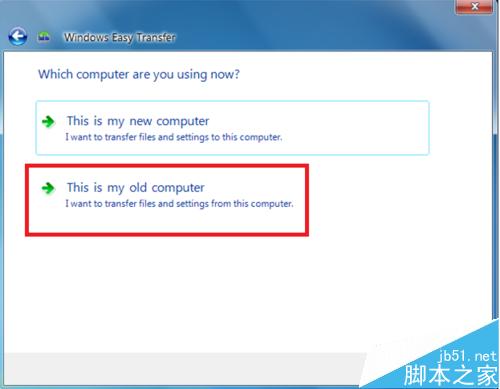
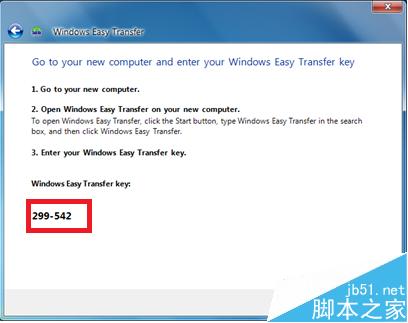
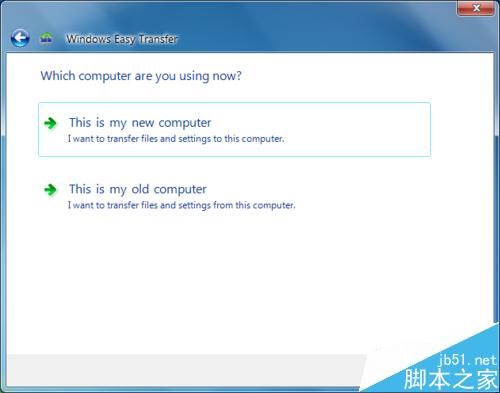
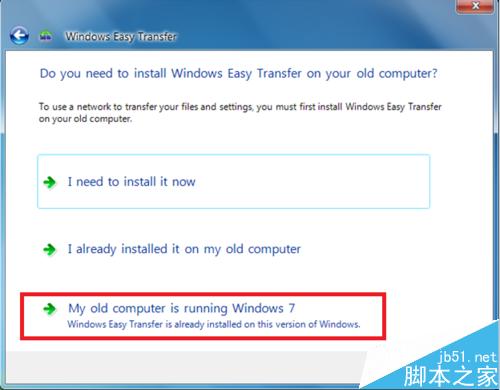
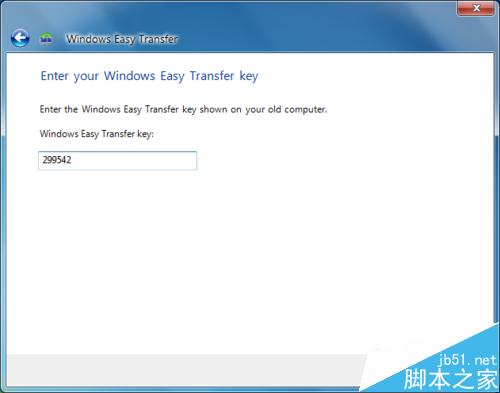
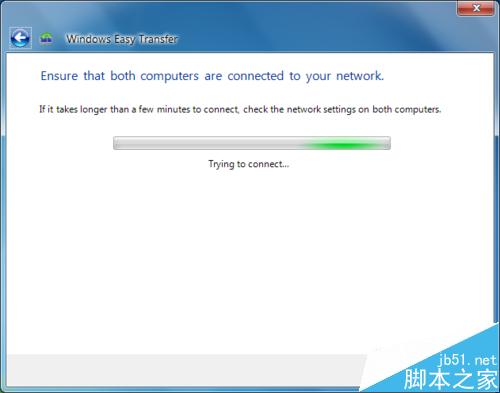
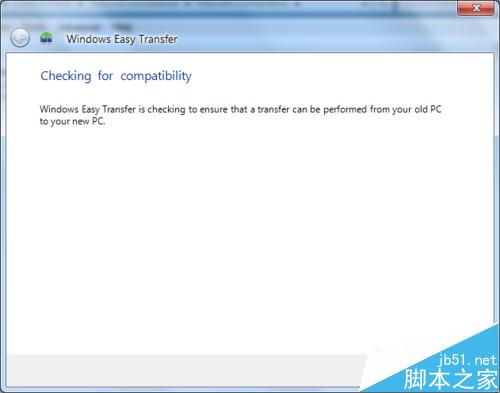
注意:新舊電腦需相同語言版本;同一路由器下同網段即可傳輸,無需交叉線。
Win8.1/Win9 更新速度將加快:從年更到月更,未來邁向即時更新
百度 Win10 直通車下載的安裝檔儲存位置:非系統盤、容量>5GB、剩餘空間最大的分區
Win10 Build 10565 Edge 浏览器完整更新日志:标签预览、收藏同步、拖拽上传
Win7 耳機有雜音/電流聲?關閉「麥克風增益」與「麥克風加強」即可消除
Win8 設定 4 碼 PIN 碼登入,比密碼更快、更安全、可頻繁變更
Win10 系統修復進階:WinRE 恢復環境完整操作指南(卸載更新、重裝系統、啟動修復)