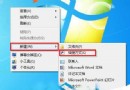
Win7 可為任何程式建立桌面捷徑並指定鍵盤快速鍵,一鍵啟動常用軟體,大幅提升效率。
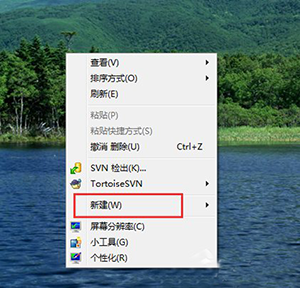
QQ.exe → 下一步。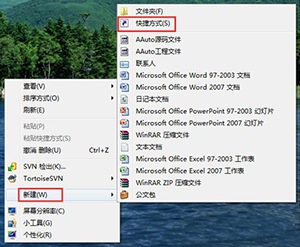
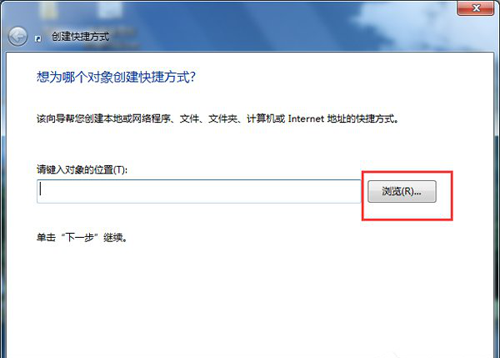
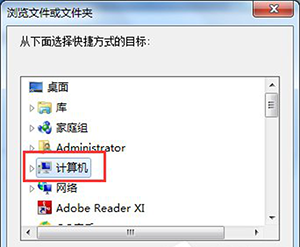
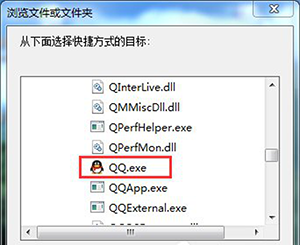
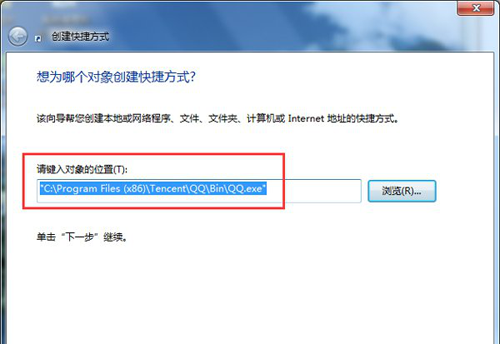
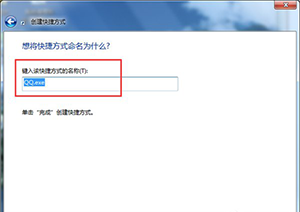
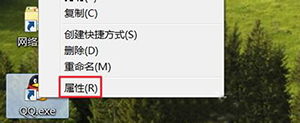

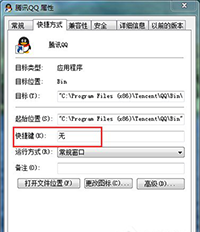
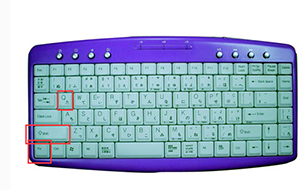
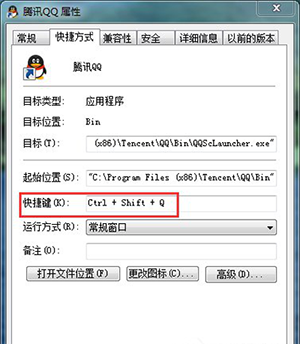

此法適用於任何 .exe/.bat/.lnk 檔案,建議使用 Ctrl+Shift+字母 組合避免與系統/軟體內建熱鍵衝突。
無本機群組原則的 Win8 如何徹底移除 OneDrive?命令列一鍵停用同步
Windows 7 開啟 Word 提示巨集錯誤?修復 Office 共用功能中的 VBA 元件解決
Win10 10565 釋出兩枚更新補丁:KB3106638 累積更新與 KB3105216 IE Flash Player 安全性更新
Win7 開始選單關機鍵無反應?登錄表設定 AutoEndTasks 強制結束程序
Win7 捷徑圖示異常(白紙/錯誤圖示)修復:INF 安裝法一鍵重建檔案關聯
Windows 10 三大核心安全新功能:Device Guard、Windows Hello、Passport 深度解析