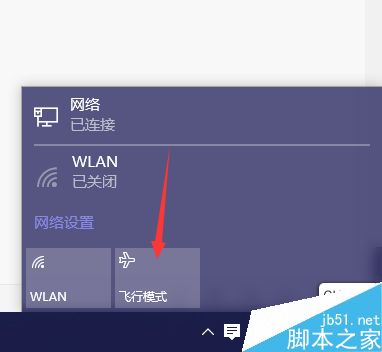
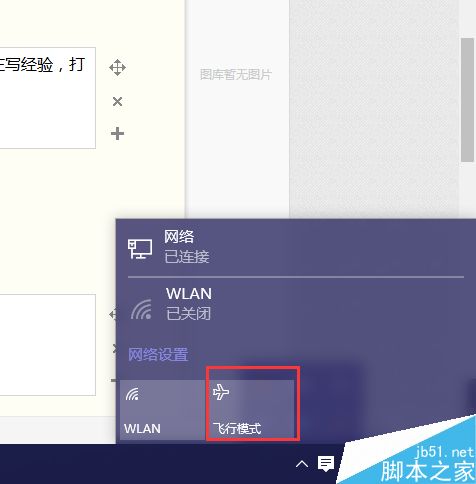
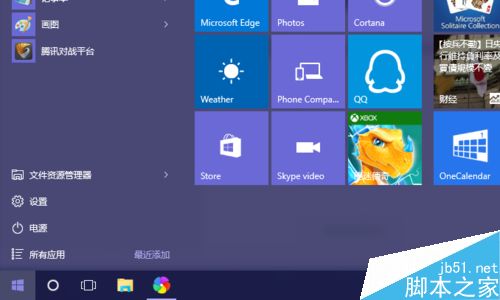
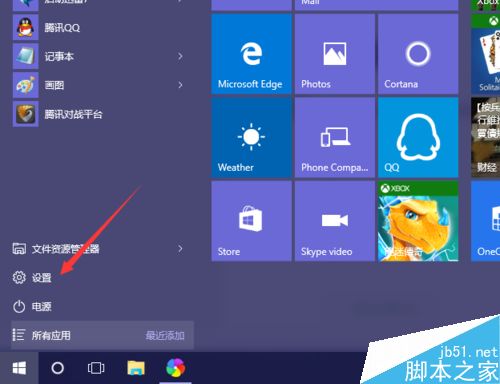
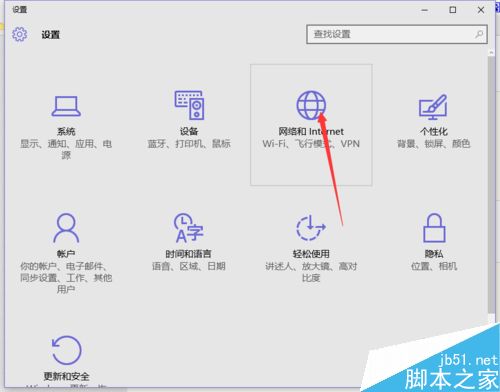
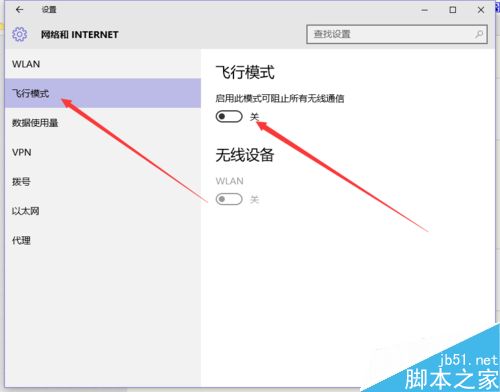
現象:動作中心/任務列飛行模式按鈕點擊無反應或關閉後自動開啟。依序嘗試:
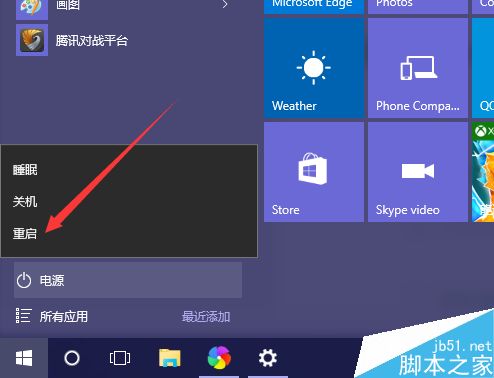
設定 > 更新與安全性 > Windows Update > 檢查更新 > 安裝所有可用更新 > 重啟。
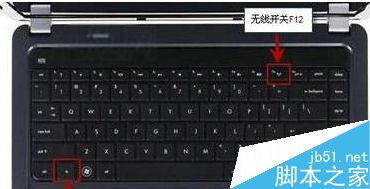
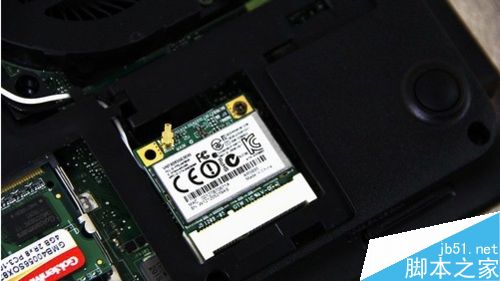
筆電鍵盤通常有 Fn + Fx (無線圖示) 或側邊物理滑桿,確認未被誤觸開啟。
以上方法由輕到重,通常前兩項即可解決 90% 情況。
Win10 Edge 瀏覽器與 EdgeHTML 引擎差異解析:版本號不同、用途不同
Windows 10 內建計算機完整功能介紹 科學/程式設計/12種單位轉換
Win10 D 槽無法格式化?四招強制格式化解決頑固分區
WZor 實測:Windows 10 Build 10147 無法使用 Win 8.1 金鑰激活,升級安裝可用特定 GVLK 金鑰
微軟 Win10 強制升級怎麼辦?驅動人生 6 協助備戰升級與驅動相容性
Win10 檔案總管快速開啟系統工具:地址列輸入指令即達
Win10 如何清理 QQ 快取檔案?內建功能一鍵釋放磁碟空間
Windows 8/8.1 七大「貼心」功能關閉指南:快速啟動、休眠、開機密碼、自動更新、自動維護、Metro 介面、跳躍清單隱私風險