部分 Windows 7 用戶安裝 VPN 用戶端後發生無法上網情況,主因為網路協定堆疊被修改。透過命令提示字元重設 TCP/IP 與清除 DNS 快取即可恢復。
cmd 以系統管理員身分開啟命令提示字元。netsh int ip resetipconfig /flushdns
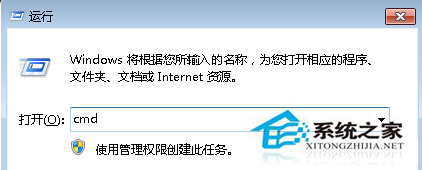
此法可快速修復 VPN 安裝後導致的網路連線異常。
Win7 系統 1394 火線掃描卡/捕捉卡無法使用?必須切換至 Legacy 驅動程式
Win10 查看 DirectX 版本方法:執行 dxdiag 指令,預覽版仍為 DirectX 11,正式版將內建 DX12
非正版 Win7/8.1 如何快速啟用 Win10 所有版本?BAT 腳本一鍵 KMS 啟用(附專業/企業/教育版金鑰)
Win10 激活失敗提示「無法透過電話啟用 Windows」?解除硬體綁定重新激活教學
Win10 Redstone 預覽版 14291 簡體中文 ISO 映像下載 32 位元