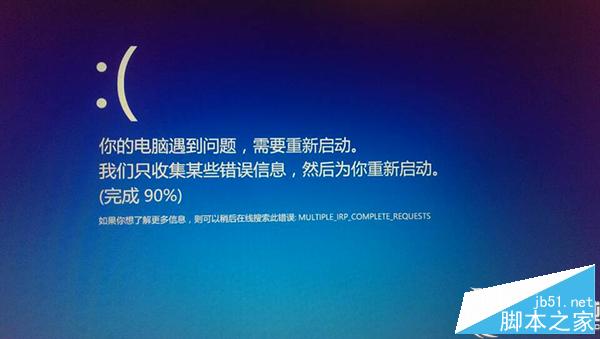
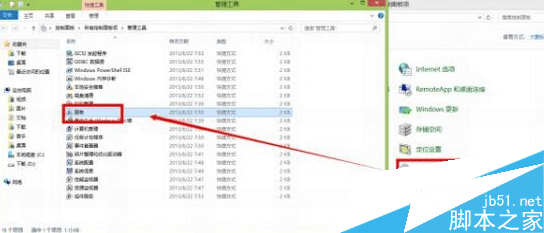
Win8 開機進入修復循環提示「你的電腦出現問題需要重新啟動」,解法:
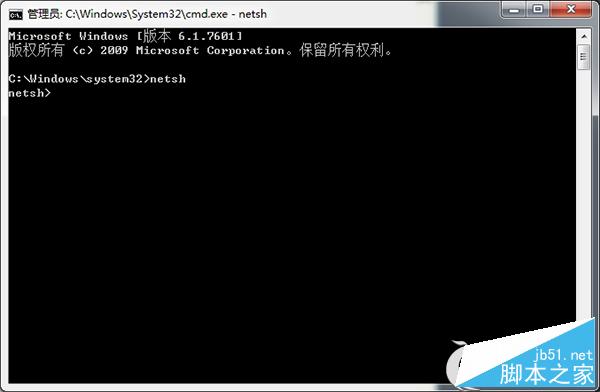
netsh
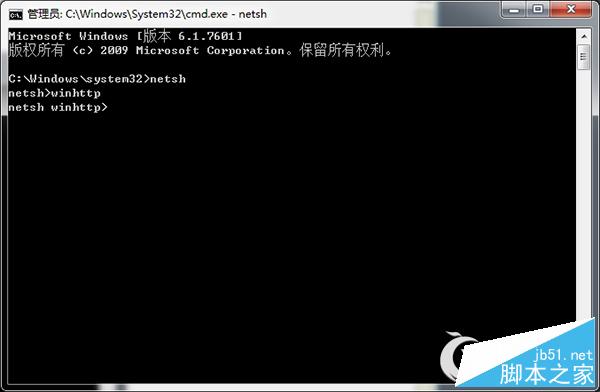
winhttp
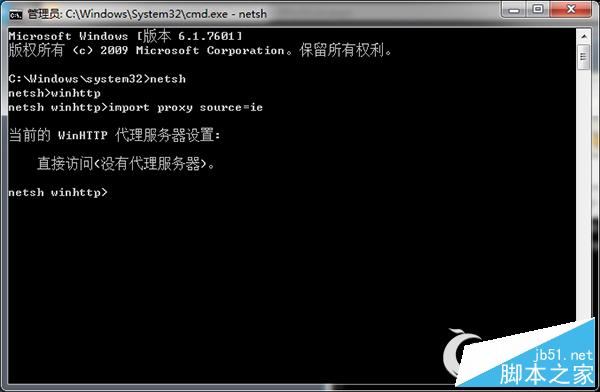
import proxy source=ie
核心修復為重置 WinHTTP Proxy 設定,搭配驅動與硬碟模式檢查可解決多數開機修復循環。
Windows 8.1 安裝卡在「登入 Microsoft 帳戶」:Alt+F4 跳過建立本地帳戶
Win7 移除右下角「操作中心」小旗子圖示?本地群組原則一鍵隱藏
Win10 Insider 會員可下載 Office 2016 預覽版,含產品金鑰與下載連結
Win10 視窗自動靠邊 (Snap) 功能怎麼關?系統設定 → 多工處理 一鍵關閉
Win10 無法運行騰訊對戰平台?下載 Win10 專用版本解決
Windows 10 查看電腦配置三大法:dxdiag、這台電腦屬性、專業檢測軟體
Win10 平板電腦使用評測影片:觸控優化、模式切換、任務切換流暢度實測
Windows XP 瀏覽器提示「找不到伺服器或 DNS 錯誤」完整圖文解決教學