Win10 10056 版後標題列固定白色,因 uDWM.dll 偵測主題檔名為 aero.msstyles 即強制白色。複製 aero 資料夾並重命名 即可繞過機制,恢復標題列跟隨主題色彩。
C:\Windows\Resources\Themes,複製 aero 資料夾並貼上 (UAC 選「繼續」)。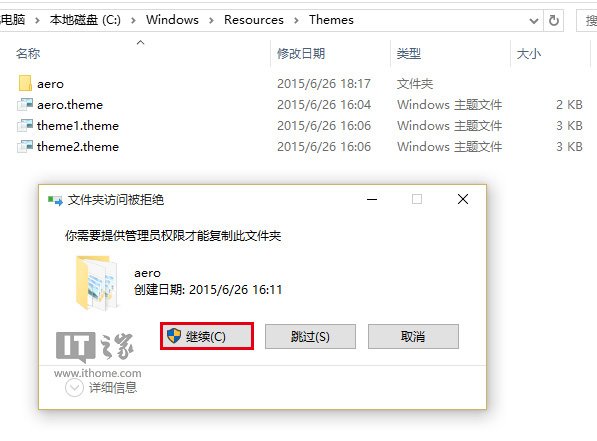
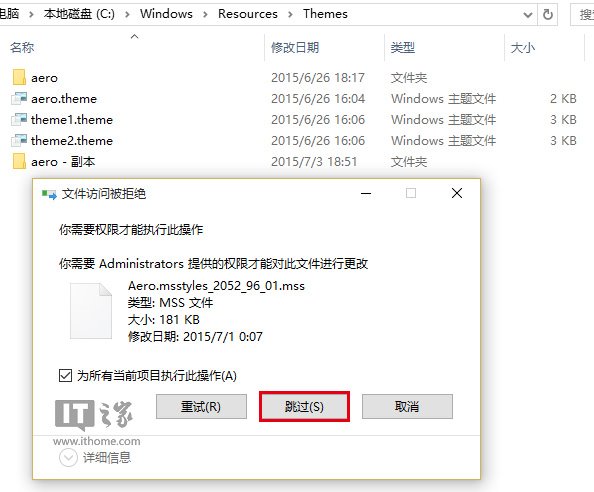
ithome,不可為 aero),進入資料夾。aero.msstyles 重命名為 ithome.msstyles (與資料夾同名)。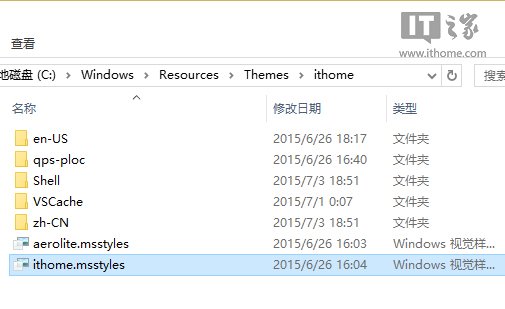
zh-CN (對應系統語系) 資料夾,將 aero.msstyles.mui 改為 ithome.msstyles.mui。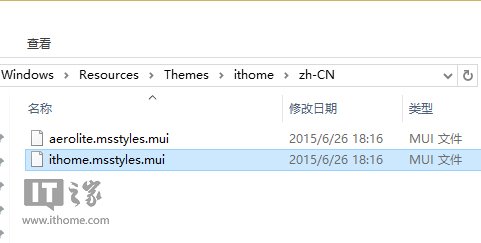
Themes 根目錄,複製 aero.theme 到桌面改名 ithome.theme。ithome.theme,找到 Path=%ResourceDir%\Themes\Aero\Aero.msstyles 改為 Path=%ResourceDir%\Themes\ithome\ithome.msstyles 存檔。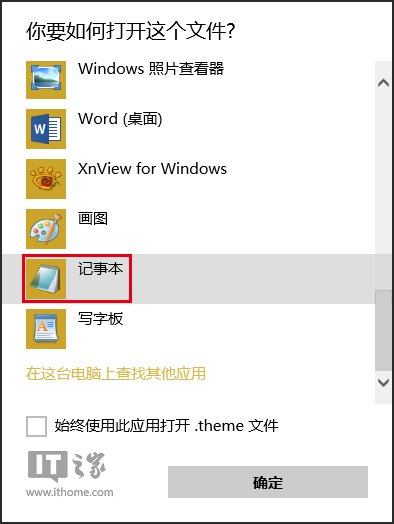
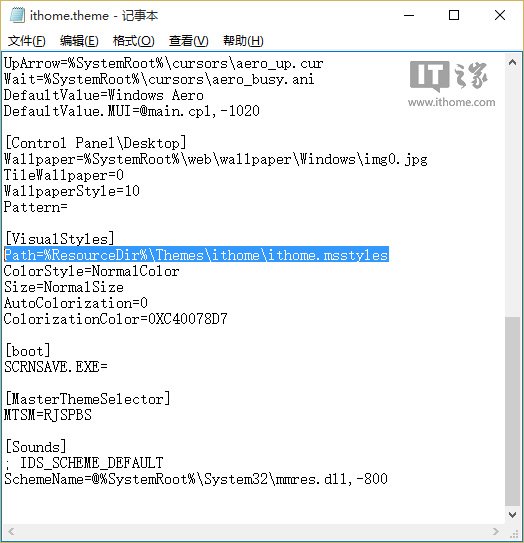
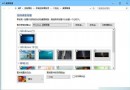
ithome.theme 套用,標題列即可跟隨主題色彩變化。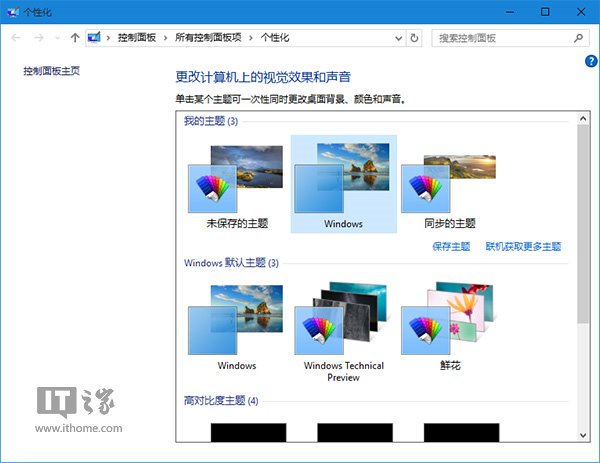
切換回預設主題即可恢復白色標題列。此法利用繞過檔名檢測機制,非破解系統檔,相對安全。