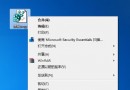
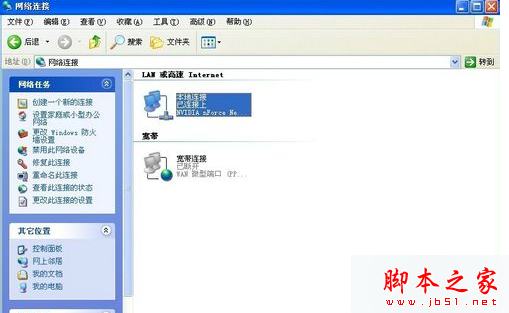
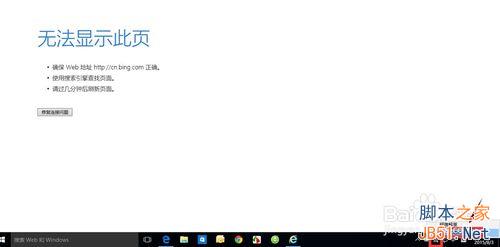
升級 Windows 10 後常見問題:Edge 瀏覽器正常,但 Chrome、Firefox 等第三方瀏覽器無法連網,而 QQ、迅雷等應用程式正常。主因為網路卡屬性缺少「可靠多播協定」或 Winsock 目錄損毀。
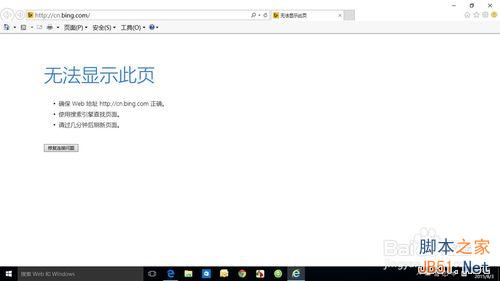
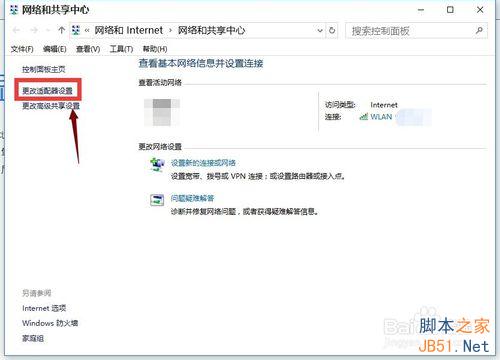
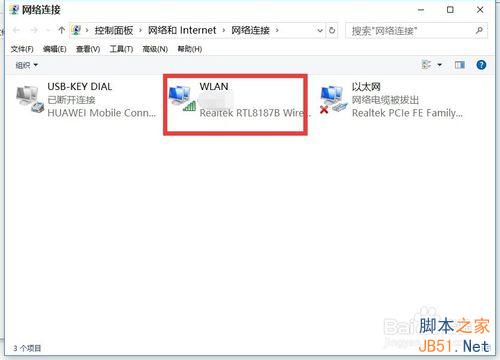
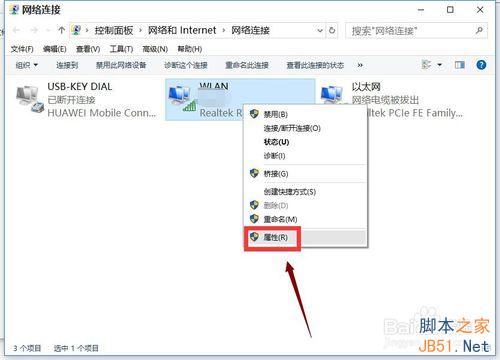
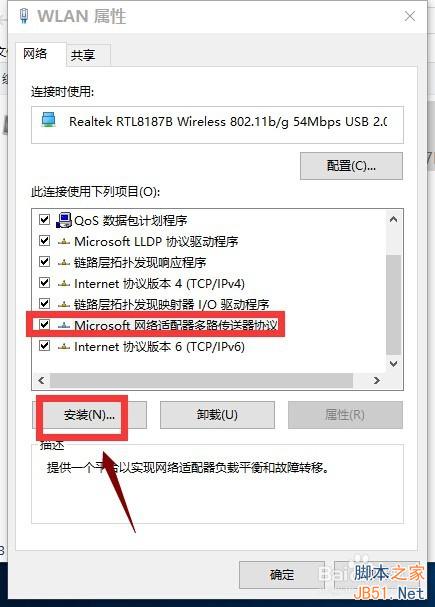
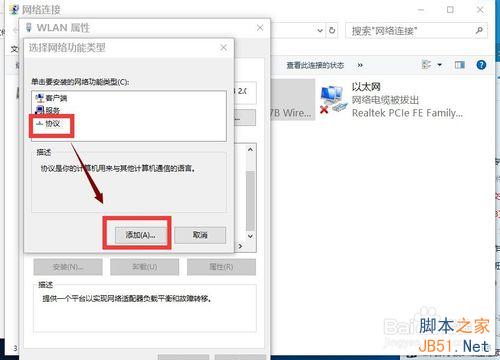
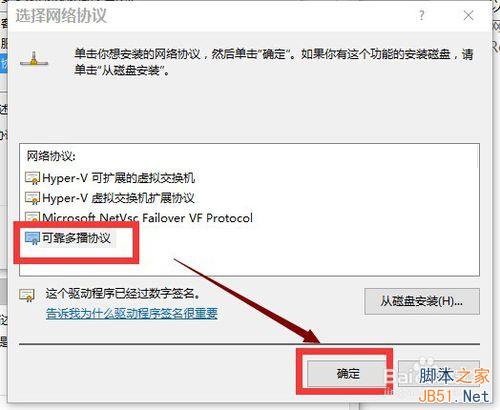
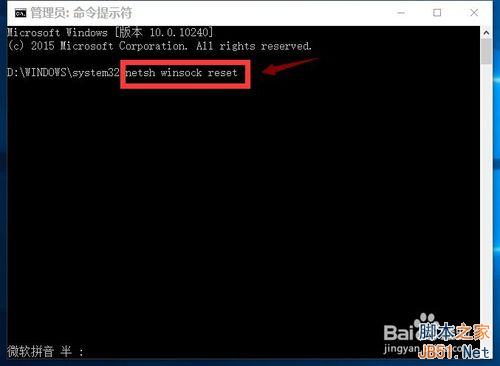
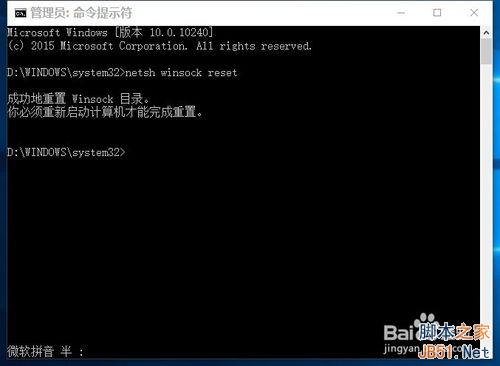
netsh winsock reset 按 Enter。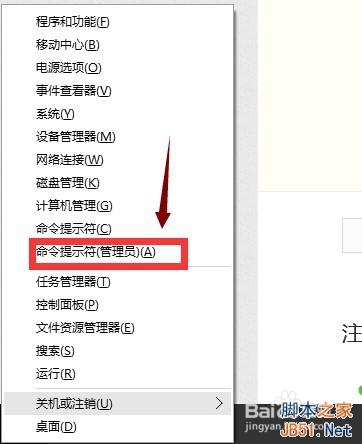
Win7 如何清理 Windows 暫存檔?變更環境變數路徑 + 群組原則關機自動清理
Win10 徹底移除 Windows Media Player 12 教學:關閉 Windows 功能法
Windows 10 10576 自動彈出 disksnapshot.exe 視窗?任務排程器一鍵停用
Win10 技術預覽版隱藏高階圖示支援 4K 螢幕:最高 768×768 解析度
Win8/Win10 用 OBS 直播黑屏?右鍵 OBS → 內容 → 相容性 → 改為 Windows 7 相容模式即可解決