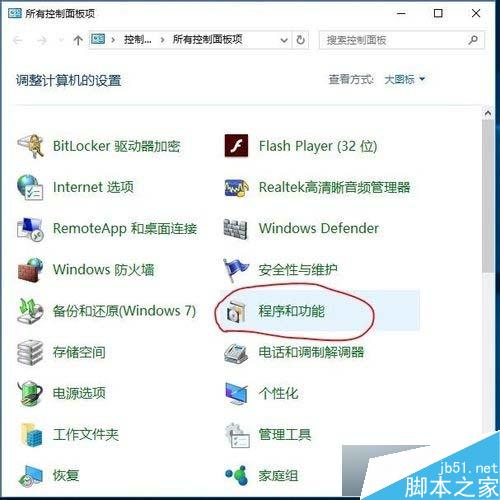
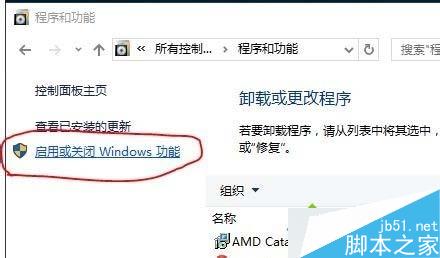
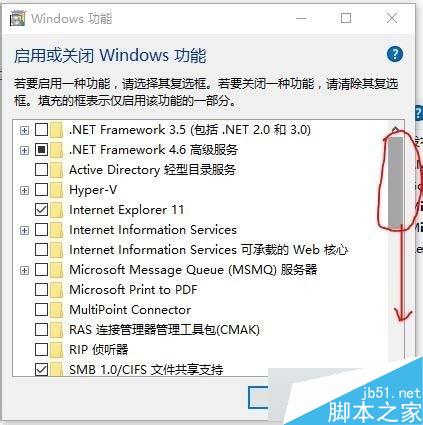
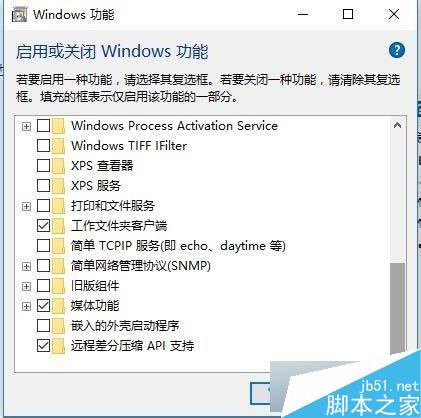
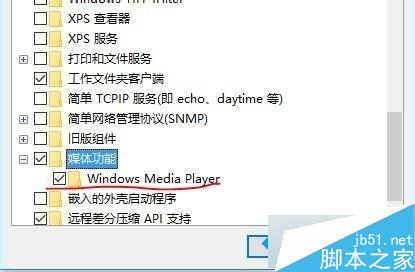
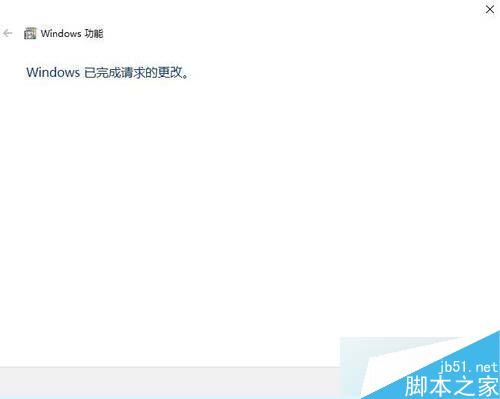
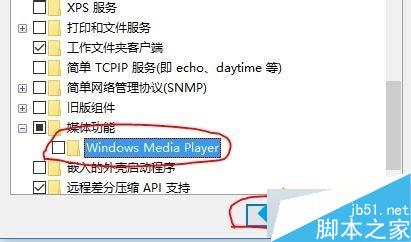
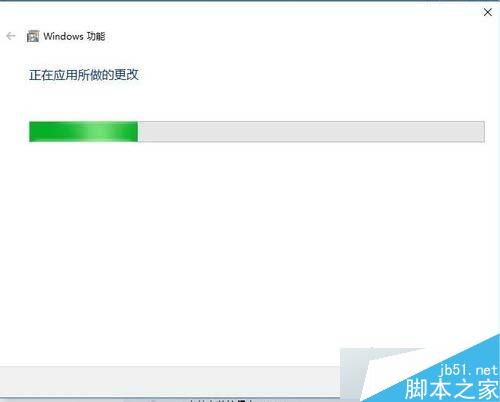
不需第三方工具,透過「開啟或關閉 Windows 功能」即可徹底移除內建 WMP12。
Win10 如何用指令實現定時關機/取消關機?無需第三方軟體
Win10 自訂鎖定畫面圖片:登錄檔法修改 LockScreenImage 完整步驟
Windows 7 安裝飛信 2010 重複啟動報 USER32.dll 錯誤解決方案
Win10 已使用的帳戶頭像如何刪除?直接清除 AccountPictures 資料夾並恢復預設灰色頭像
Win7 雙擊 .jar 檔案無法開啟?註冊 javaw.exe 關聯修復執行參數
Win10 內部版本 Build 9867 已完成,攜帶桌面版 Cortana 語音助手,目前僅限合作夥伴測試