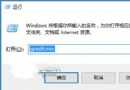
Windows 10 Insider Preview 10576 版本存在已知問題:電腦閒置約 10 分鐘,會自動以視窗形式執行 disksnapshot.exe (硬碟快照記錄程序),雖不影響功能但極度干擾使用。解決方法是停用對應的排程任務:
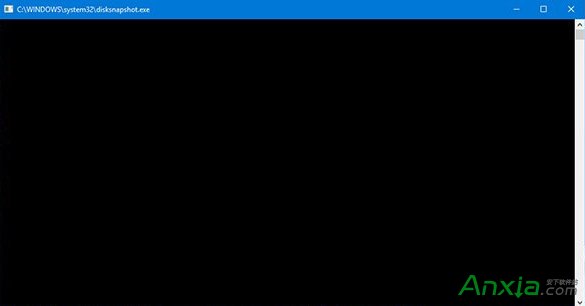
解決步驟
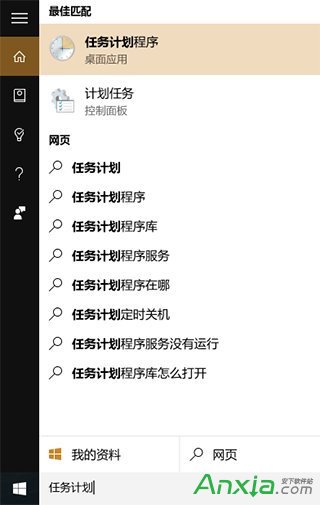
- 工作列搜尋「工作排程器」或控制台開啟「工作排程器」。
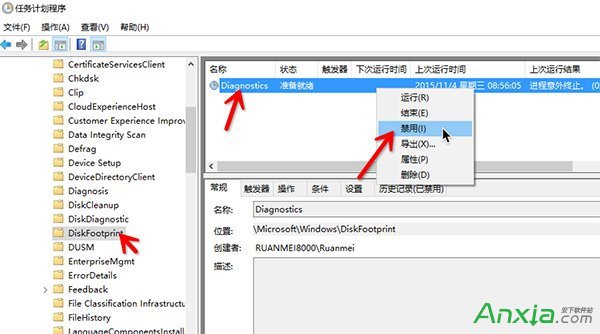
- 左側導覽依序展開:工作排程器程式庫 → Microsoft → Windows → DiskFootprint。
- 右側列表找到 Diagnostics 任務。
- 右鍵點擊 Diagnostics → 選擇「停用」。

補充說明
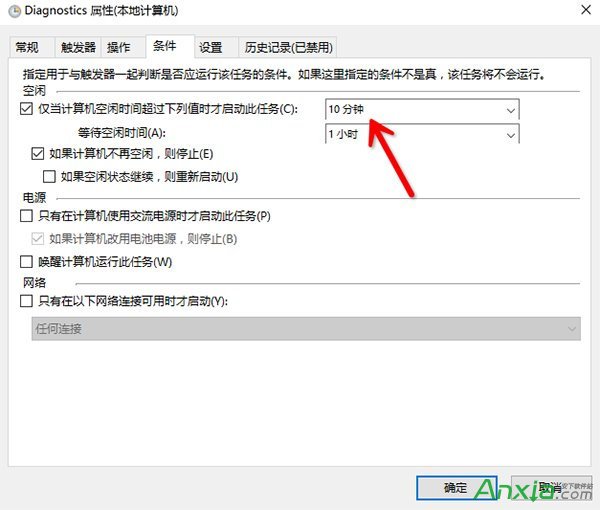
- 若右鍵選單無「停用」,請先右鍵「內容」→「觸發條件」頁籤確認為「每 10 分鐘」重複觸發,再返回停用。
- 此任務為硬碟健康狀態記錄功能,停用後不影響系統正常運作,僅失去定期快照記錄。
- 後續正式版 (TH2) 已修復此 Bug,正式版用戶不會遇到此問題。
一招停用排程任務,徹底告別 10 分鐘彈窗騷擾!