Windows Update 迟迟不提供 KB3035583 更新,導致無法接收 Win10 升級推送。解決方法:從 Microsoft Update Catalog 手動下載對應版本補丁安裝,再手動執行 GWX.exe 觸發升級應用程式。
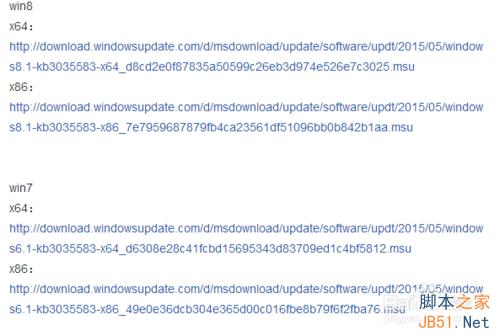
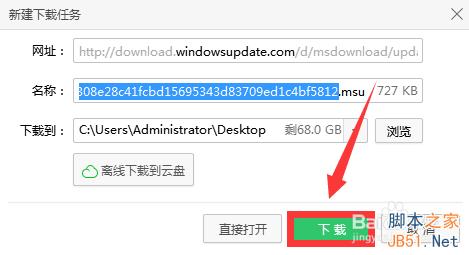
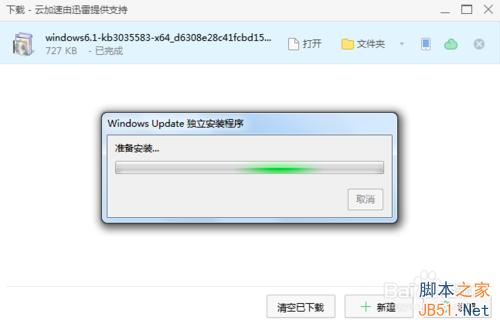
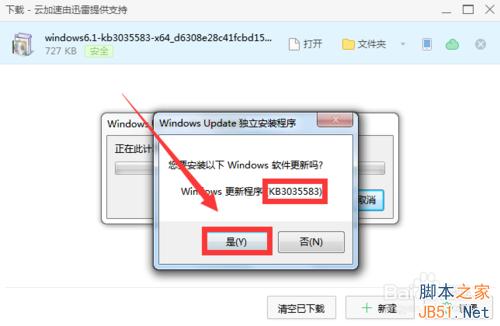
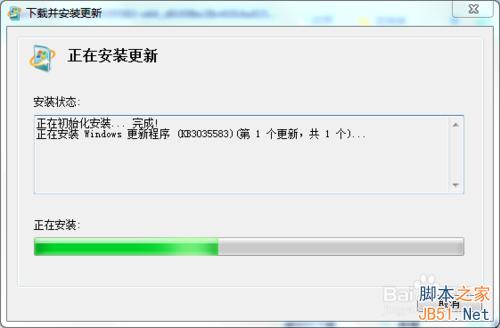
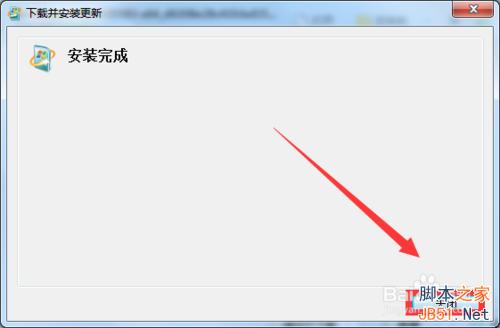
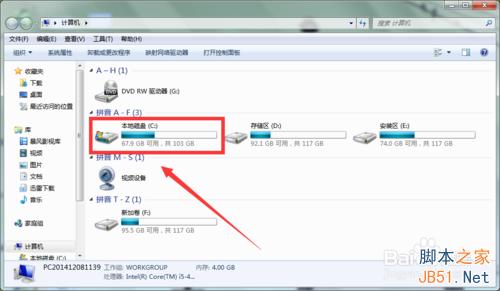
C:\Windows\System32\GWX\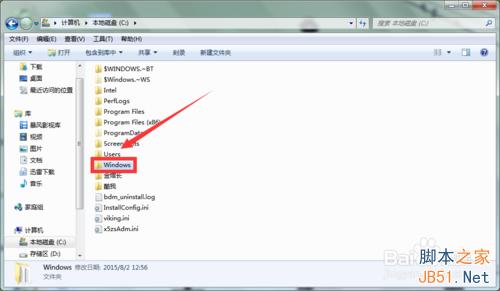
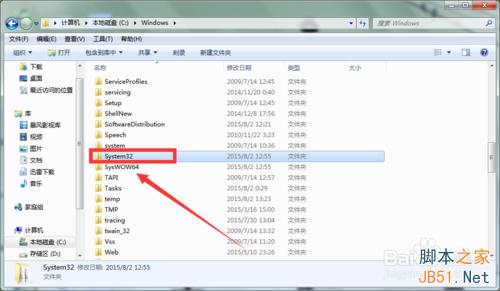
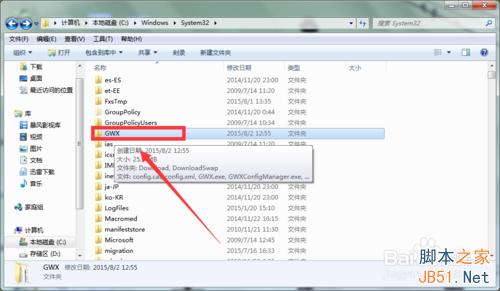
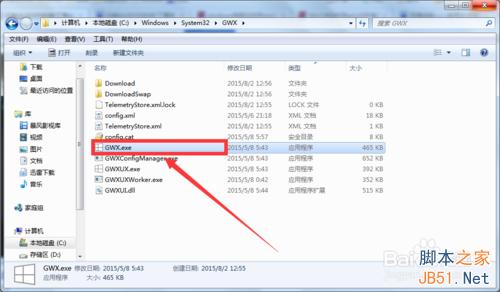
部分用戶下載後無法開啟 .msu 檔,通常為權限或系統檔案損毀問題,建議以系統管理員身分執行命令提示字元,使用 wusa.exe KB3035583.msu /quiet /norestart 靜默安裝。
Win10 無法進入睡眠/待機怎麼解?四大原因排查與對應修復
Win10 Continuum 新功能上手示範影片:裝置自適應、一致體驗、分離鍵盤進入平板模式
Win10 免費升級僅限首年!Gabriel Aul 確認:首年免費、之後需付費、授權為買斷制
Win10 Build 10550 內部測試中 下周推送 Fast Ring
Win10 插入行動硬碟/USB 自動開啟檔案總管?關閉「自動播放」設為「不執行任何動作」
無法升級 Win10?常見錯誤代碼與解決方案總整理(虛擬機、KB2267602、帳號、Softwaredistribution)